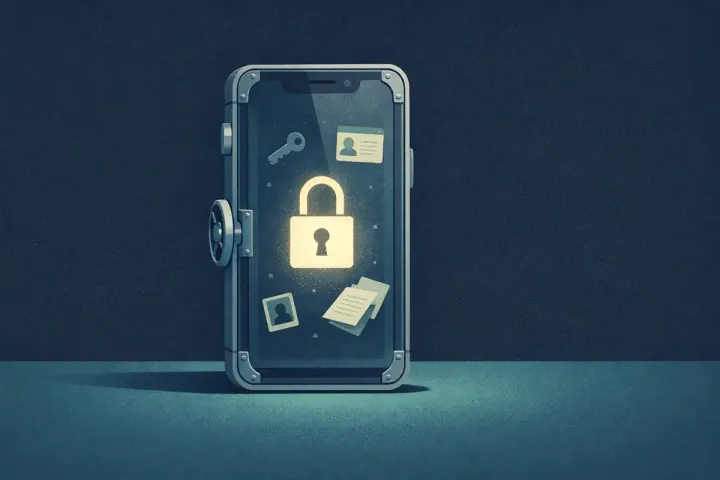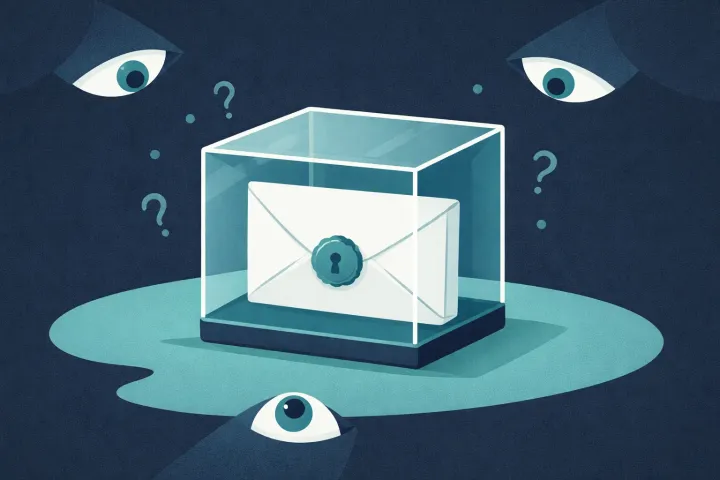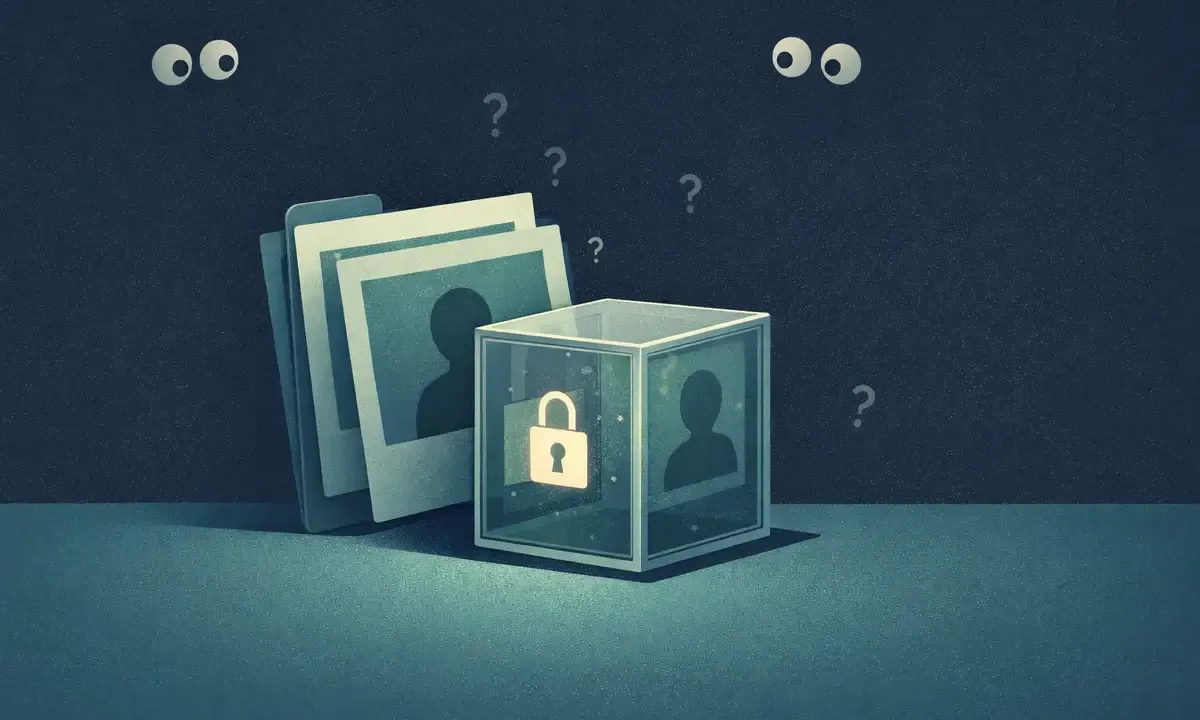
By default, your camera roll is backed up to the cloud. Your screenshots too. The photo of your banking statement, the snap of your passport, the picture of the crypto seed phrase you swore you would delete later. All of it sitting in Photos, ready to be exposed by a password leak, a borrowed device, or a phone handed in for repair. Google Photos alone stores more than nine trillion photos and videos from 1.5 billion people, and it is the default gallery on most Android phones.
The “Hide” button on iOS and Android does not encrypt anything. It moves photos to a hidden album that still lives in the same library. iPhone’s Hidden album and Google Photos’ Locked Folder now ask for Face ID or your screen lock, but that is a lock on the list, not on the files: anyone with your device passcode can open them, and the photos themselves stay unencrypted. That is not a vault.
A real photo vault encrypts every image with a key only you can unlock. This post walks through what that means in practice, how to tell the real apps from the fake ones, and how to move your sensitive photos somewhere private in a few minutes.
What Is a Photo Vault App?
Search “photo vault” in either app store and you get two very different categories that both use the same word.
The first category is apps that hide photos. They move files into a renamed folder, stick them in a hidden album, or wrap them in an app that asks for a PIN before showing them. The underlying image files are unchanged. Any file explorer, any backup tool, any photo recovery app can still read them. The lock is on the UI, not on the data.
The second category is apps that encrypt photos. Every image is scrambled into ciphertext with a key. Without the key, the file is noise. Even if someone pulls the raw app data off your phone, they get gibberish.
The easy way to tell them apart while browsing the store is to read the privacy details and the “about” section. Look for words like “AES-256,” “end-to-end encryption,” “zero-knowledge,” or “on-device encryption.” Apps that only brag about a PIN, a fake calculator disguise, or an “invisible album” are almost always in the first category. Fancy UI gimmicks are not encryption.
A good rule: if the app’s main feature is how it hides itself from someone glancing at your screen, it is a hiding app. If its main feature is how the files are protected when someone has full access to your phone, it is an encrypting app.
A real photo vault encrypts every image; without the key, your photos are noise.
Are Photo Vault Apps Actually Safe?
Not automatically. Safety depends entirely on which category the app falls into, and then on how the encrypted ones are built.
The hiding apps are the easy ones to dismiss. They protect you against a casual glance and nothing more. A forensic tool bypasses them in seconds. A phone repair shop can see the files. A malware app on the same phone, if you ever get hit with one, can pull them out too. Some of these apps have shipped with bugs that leaked their entire contents. Some ask for permissions that have nothing to do with their job. Some inject ads right next to your “private” photos.
The encrypting apps are safer, but not all of them are equal. A few things to check before trusting one.
Does it encrypt on the device before the file is written? The encryption should happen on your phone, before the ciphertext ever touches disk or network. If the app uploads your photo to a server and encrypts it there, the server saw the original. That is not a vault.
Does it sync in encrypted form? If the app offers cloud backup, the files that leave your phone should already be encrypted. The server should receive encrypted photo content.
Does the vendor keep the keys? The correct answer is no. Biometrics or a device PIN can protect access to keys stored on your phone. Check whether recovery requires a separate recovery key or phrase; an email reset alone should not decrypt your photos.
The right question is not “is it free,” it is “how does the app make money if you are not paying?”
How AbsentKey Encrypts Your Photos
The approach is straightforward and boring on purpose. Boring is good in encryption.
Each photo you add gets a fresh random 32-byte content key. AbsentKey encrypts it with XSalsa20-Poly1305 and a random 24-byte nonce. A leaked content key exposes that item, rather than every item in your vault.
The app seals each content key to your X25519 public key. Your keypair comes from your 12-word recovery phrase through HKDF-SHA256. The private key is stored with Expo SecureStore and used in app memory when the vault is unlocked. Face ID, fingerprint, or your device PIN unlocks the app; it does not generate the encryption keys.
Local secrets stay on your phone. If you sync or share, the app uploads encrypted content and encrypted content keys. Your private key and recovery phrase stay off the server.
This is how a vault is supposed to feel: the security model does not move when you switch from one device to another, and it does not move when you turn off Wi-Fi.
Is There a Free Photo Vault App?
Yes. AbsentKey is free, and that includes unlimited photos, unlimited videos, and unlimited files.
No per-photo quota. No file-size cap. No watermarks when you export. Real encryption on every single item, whether you store one photo or ten thousand.
Cloud backup and sharing are Premium, at $1.99 a month or $19.99 a year. The vault itself, on a single phone, is free forever. That is the split that makes this sustainable. If you only need a private place on one device, free covers you. If you want your photos backed up in the cloud in encrypted form, or if you need to share an item with a partner or family member, that is where the paid tier kicks in.
You do not have to hand over a credit card to get started. You do not have to sit through a seven-day trial. You install, unlock, and start moving photos.
How to Move Your Sensitive Photos into a Vault
Fifteen minutes, one time, and the photos that should not be in your camera roll are no longer in your camera roll.
Step 1: Install AbsentKey. Grab it from the download page. It is on iOS and Android.
Step 2: Set up biometrics or a PIN. Face ID or Touch ID on iPhone, fingerprint or pattern on Android. This unlocks your vault. Save your 12-word recovery phrase separately from your phone; it is needed to restore access to an encrypted backup.
Step 3: Import your sensitive photos. Open the app, pick add, select photos from your library. Think wide here: ID scans, passport, driver’s license, insurance cards, tax documents, crypto seed phrase photos, medical records, personal pictures you do not want a borrowed phone to show, receipts with account numbers.
Step 4: Delete the originals from the camera roll. This is the part people forget. An encrypted copy in the vault does not help if the unencrypted original is still sitting in Photos, synced to iCloud or Google Photos, visible to anyone with the login. After you confirm each photo is in the vault, delete it from your library. Empty Recently Deleted too.
Step 5: Optional cloud sync. If you want your vault backed up to the cloud or synced to a second device, enable Premium. The backup is encrypted on your phone before it leaves. The server never sees the original photos.
One pass is enough for the backlog. After that, if you take a photo that should not be on the camera roll in the first place, import it into the vault and delete the original the same day.
What Else You Can Store Alongside Your Photos
A photo vault is more useful when it is also a general vault. AbsentKey lets you keep the photo vault and every other kind of secret in one place, behind the same unlock. See our broader guide on what an encrypted vault app is and what to store in one.
Files. PDFs, Word documents, spreadsheets, any file type. Contracts, medical records, tax forms, scanned letters.
Text notes. Passwords, recovery codes, backup phrases, private notes, insurance policy numbers, account details. Everything you would otherwise keep in Notes.
Videos. Same encryption as photos, no duration or size cap on the free tier.
Keeping everything behind the same vault means one unlock, one backup, one place to look. You do not end up with a photo vault on one icon, a notes vault on another, and a password manager in a third, each asking for a different PIN and each syncing to a different cloud.
FAQ
What is the difference between hiding and encrypting a photo?
Hiding moves a photo into a private-looking folder or album, but the file on disk is unchanged and still readable by anyone with access to the storage. Encrypting scrambles the file itself with a key. A hidden photo is one menu click away from being seen. An encrypted photo is unreadable without the key, even if someone pulls the raw file off the phone.
Is the iPhone Hidden album or Google Photos Locked Folder encrypted?
No. Both sit behind Face ID or your device screen lock, which stops a casual glance and nothing more. Anyone who knows your device passcode can open them, the photo files themselves are not encrypted, and if you turn on Locked Folder backup, those photos are stored in Google’s cloud under Google’s keys, not yours.
Can AbsentKey encrypt videos too?
Yes. Videos are encrypted the same way as photos and text items, with a fresh content key sealed to your public key. Biometrics or your device PIN unlocks the app. There is no size or duration cap on the free tier. You can import videos from your library, delete the originals, and they live in the vault until you decide to remove them.
Is the free plan really free, or a trial?
It is free. Unlimited photos, videos, files, and notes on a single device, with no time limit. Cloud sync and sharing are the only features behind the paid tier. If you never turn those on, you never pay, and you still get the full encrypted vault on your phone.
What happens to my photos if I lose my phone?
If you only have the free tier, your vault is on that phone. Losing the phone means losing the vault, which is the tradeoff of keeping everything local. If you have Premium with cloud sync turned on, your encrypted backup is on the server, and you can restore those synced items on a new phone with your 12-word recovery phrase and the available encrypted backup. Logging in or entering a PIN alone cannot decrypt them. The server never receives the original photo content.
A photo vault is worth using if it actually encrypts. Hiding is not encrypting. AbsentKey encrypts every photo on your phone, keeps the vault free for unlimited items, and lets you sync only when you decide to.
Download AbsentKey and get the photos that should not be on your camera roll off your camera roll. For more guides on locking down sensitive data, see our encrypted vault hub.