Most people treat the Notes app like a vault and the camera roll like a filing cabinet. Photos of your passport. A note called “passwords.” A screenshot of the backup codes from your bank. A photo of a wallet seed phrase you wrote down at 2 a.m. and never moved.
None of that is encrypted. A stolen phone, a borrowed phone, an iCloud or Google account leak, or a phone sent in for repair can spill all of it. The lock screen is not the same thing as encryption, and a hidden album is definitely not the same thing as encryption.
This post explains what an encrypted vault app actually is, what to look for, and how to pick one. If you just want the short answer: you want real on-device encryption, an app that works offline, and pricing that does not punish you for having a lot of stuff.
What Is an Encrypted Vault App?
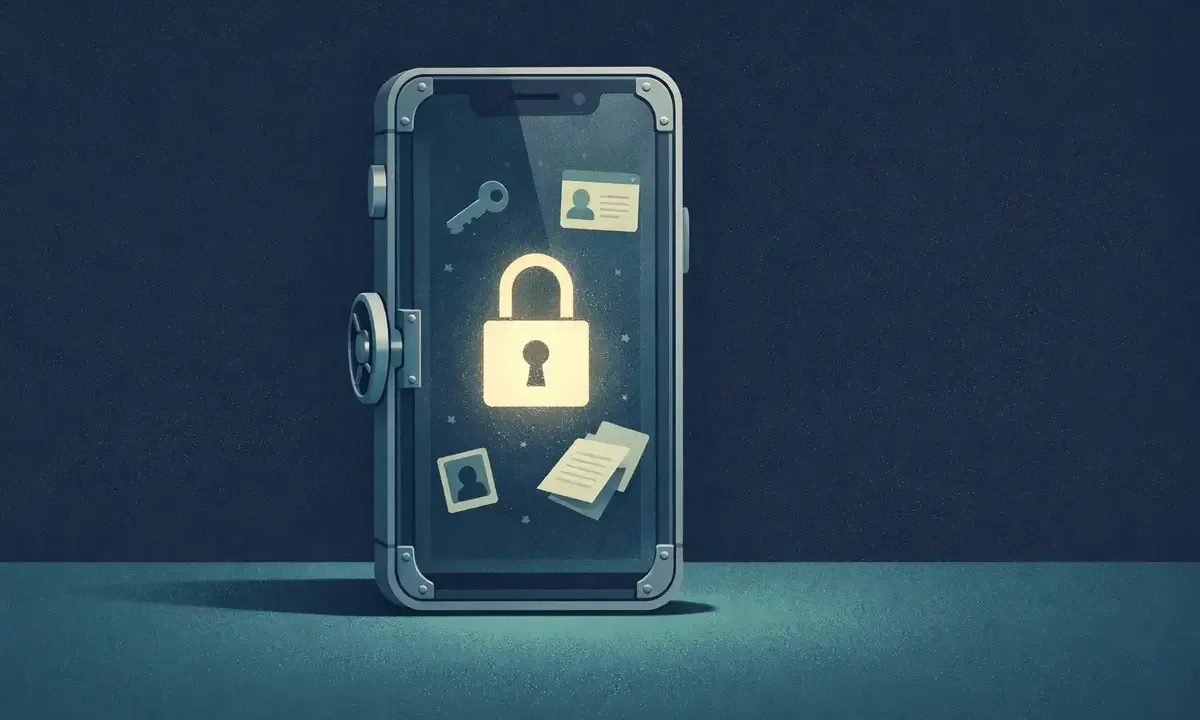
An encrypted vault app is a single place on your phone where sensitive items are stored as ciphertext. The content is unreadable without a key that only you can unlock, usually with your face, fingerprint, or a PIN that never leaves the device.
The word “vault” gets thrown around a lot, so it helps to separate two very different things.
The first is hiding. A hidden folder, a hidden album, a PIN-locked section of a gallery app. The files sit in a separate spot, but the bytes on disk are still readable. Anyone with the right tool, or even just the right menu, can pull them out. This is how a lot of free “vault” apps on the App Store and Play Store work. It feels private, but nothing has actually been encrypted.
The second is encrypting. The file is scrambled with a key. Without that key, the file is random noise. If someone copies the vault’s data off a seized or stolen phone, they get gibberish. This is what the word should mean when an app calls itself a vault.
A proper encrypted vault app does a few things at minimum. It encrypts each item on your device before writing it to disk. The app protects its keys on your device, often using secure storage behind biometrics or a device PIN. The vendor should not hold the private keys needed to decrypt your content. If you want to understand the model in more detail, see our zero-knowledge encryption explainer.
A real vault means encryption on the device, offline unlock, and no paywall around your stuff.
What Can You Store in an Encrypted Vault?
Anything you would not want a stranger, a nosy friend, or a forensic tool to read. In practice, that is a much longer list than most people expect.
Passwords and account credentials. Logins you use rarely, app recovery codes, router passwords, Wi-Fi passwords, API keys.
Bank and financial info. Account numbers, routing numbers, IBANs, wire transfer details, credit card numbers, insurance policy numbers.
ID scans and official documents. Passport photos, driver’s license scans, ID cards, vaccination records, tax returns, insurance documents.
Crypto seed phrases and wallet backups. The thing most people paste into iCloud Notes “just for a second” and forget to delete. A vault is the right home for them.
Private photos and videos. Personal pictures, sensitive screenshots, photos you took for a medical or legal reason. Things the camera roll should not hold. For more on how these apps handle images specifically, see our guide to photo vault apps that actually encrypt.
Private letters and notes. Journaling, therapy notes, messages you saved, anything you would not want a roommate or a partner to stumble on.
A password manager is narrower than a vault. It is tuned for login credentials and autofill. A vault holds those too, plus everything above, as files and notes. The two categories overlap, but a vault is the broader tool if you need to keep documents and images private as well.
Does an Encrypted Vault Work Offline?
A good one does. An encrypted vault should not need a network to unlock, to read an item, to add a new one, or to edit an existing one. The vault lives on your phone. The key lives on your phone. There is no reason to call a server to open a file that is already right there.
# Vault unlock should not need the network.
$ airplane on
$ open AbsentKey
→ Face ID → vault unlocked
$ read passport.pdf                → “decrypted locally”
# server auth runs in the background, never blocking
Offline matters more than it sounds. You travel, you ride subways, you get on planes, you go somewhere without signal. Your phone can get seized or inspected at a border. Your ISP can go down. Cloud-first apps force you to reauthenticate, sync, or “check in” before you can see your own data, which is exactly when you need it most.
AbsentKey unlocks offline. Biometrics or PIN opens the vault directly. Server auth runs in the background after unlock, so it never blocks you. If the network is gone, everything you have saved is still there and still readable.
This is what “local-first” means in practice. The primary copy of your data is on the device. The cloud, when you opt in, is a backup, not the source of truth.
Is There a Free Encrypted Vault?
Yes. AbsentKey is free, and not the kind of free that means “trial” or “we will nag you after 30 days.”
The free tier includes unlimited secrets. Unlimited file size. No watermarks on stored files. Real encryption, the same algorithm on every item whether you have five or five thousand. You do not get a crippled vault with a few slots and a paywall; you get the full vault experience on your device.
What makes free sustainable is that cloud sync and sharing are the paid tier. If you only want a private place on one phone, free covers it forever. If you want your vault backed up to the cloud, synced across your phone and tablet, or shared with a partner or family member, that is Premium at $1.99 a month or $19.99 a year.
This split matters for a few reasons. First, the costly parts of running a service, servers, bandwidth, support, only kick in when you use cloud features. Keeping the local vault free aligns the pricing with the actual cost. Second, free vault users are not a loss leader or a trap; they are the core product. The paid tier adds reach, not encryption.
Lead with free, and you get people who genuinely need the tool, not just those who were already willing to pay.
How to Pick an Encrypted Vault
Not every app with “vault” in the name belongs on your phone. A short checklist.
Real encryption, not just a hidden folder. Read the privacy policy and the docs. Look for words like “AES-256,” “on-device encryption,” or “end-to-end encrypted.” If the app only talks about a PIN or a hidden album, it is not an encrypted vault.
Zero-knowledge architecture. The vendor cannot read your data. Their servers cannot decrypt your secrets. For cloud-sync apps, this is critical. For local-only apps, there is no server involved at all, which is even stronger.
Biometric unlock. Face ID, Touch ID, fingerprint, or a PIN of your choosing. Biometrics control access to the app and its stored keys. Avoid apps that ask for a cloud password every time you open them.
Local-first so it works without a network. If the app refuses to open on airplane mode, it is not local-first. You should be able to add, view, and edit items offline.
Clear pricing, no dark patterns. Look for apps that tell you upfront what is free and what is paid. Free should mean free, not “free for a week” or “free with ads.”
Open about what the paid tier gets you. Sync, sharing, and multi-device backup are reasonable paid features. Encryption, unlock, and basic storage should not be.
If an app fails any of these, skip it. Your vault is only useful if it actually protects your data, and if you actually open it more than once.
How to Start Using AbsentKey as Your Vault
Five minutes, one device, no account friction.
Step 1: Install. AbsentKey is on iOS and Android. Grab it from the download page.
Step 2: Set up biometrics or a PIN. This unlocks the app. Save the 12-word recovery phrase separately from your phone; the app derives your keypair from that phrase.
Step 3: Add your first secret. Open the app, hit add, and pick a type. Text for passwords and notes. File for PDFs, ID scans, or photos. You can attach files up to any size, with no quota on the free tier.
Step 4: Clean up the leaks. Go through Notes, the camera roll, your email drafts, and your desktop. Move the sensitive items into the vault. Delete the originals from their old homes.
Step 5: Optional cloud sync. If you want backup across devices, turn on Premium and your encrypted vault syncs to the cloud. The app uploads encrypted secrets and encrypted content keys. Your private key and recovery phrase are not sent to the server.
That is the whole setup. Your vault will grow over time as you add items. You can come back and change anything without touching the encryption, it all happens under the hood.
FAQ
Is an encrypted vault the same as a password manager?
They overlap but they are not the same. A password manager is built around credentials and autofill. An encrypted vault is built around storing anything sensitive: passwords, yes, but also photos, files, notes, and seed phrases. If you only need login autofill, a password manager is enough. If you have sensitive documents, IDs, or images that do not belong in the camera roll, you want a vault.
Can I store photos in an encrypted vault?
Yes. A proper encrypted vault treats photos as just another file type. They get the same encryption as text items. In AbsentKey, you can import photos from the camera roll, delete the originals, and keep them in the vault behind biometrics. Videos work the same way.
What happens if I forget my PIN?
Your device PIN unlocks the app; it is not the source of your encryption keys. To restore AbsentKey on another device, you need your 12-word recovery phrase and an available encrypted backup. An email reset or account login alone cannot decrypt your secrets. If your only copy was on a lost phone, the recovery phrase cannot recreate those files.
Do I need to create an account?
No. The free local vault works offline without an account. You create an account when you want cloud sync or sharing. Your other devices can download synced encrypted content, but they need your recovery phrase to decrypt it.
Three things separate a real encrypted vault from a pretty lock icon: real encryption on the device, offline unlock, and free pricing that includes the whole vault. AbsentKey checks all three.
Download AbsentKey and move your sensitive stuff somewhere it actually belongs. Or keep reading in our encrypted vault guides hub to learn more about locking down specific kinds of data.