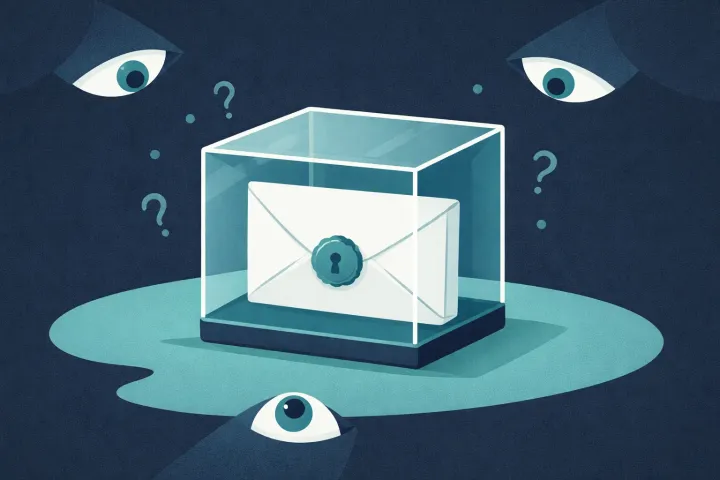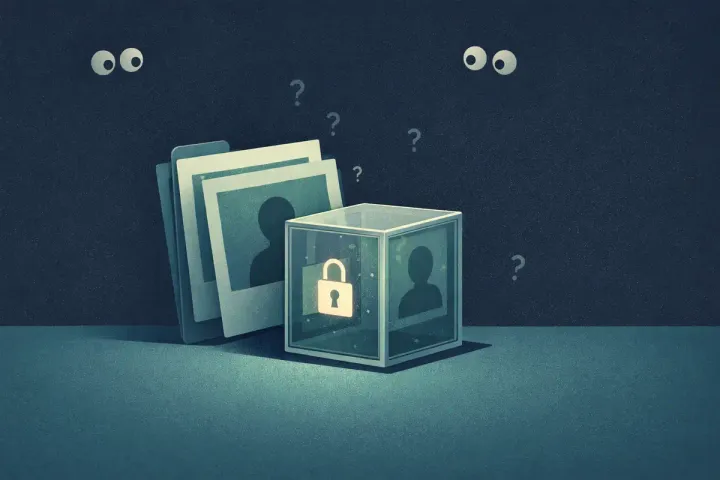
Zero-knowledge encryption means the service storing your data cannot decrypt its content. Not “won’t.” Cannot. Your data gets encrypted on your device before it ever leaves, and the keys stay with you. The server stores encrypted content without the private keys needed to read it.
So what does “zero-knowledge” actually mean?
When a service says it has “zero-knowledge encryption,” it means one specific thing: the company running the service cannot decrypt the content you store. It does not hold the private keys needed to read it.
This isn’t a policy decision, it’s not “we promise not to look at your files.” It keeps the private keys needed to decrypt stored content off the server. The company doesn’t have the mathematical ability to turn your encrypted data back into readable form. Even if they wanted to. Even if a court ordered them to. Even if someone broke into their servers and stole every database they have.
That last part is the one that really counts. Breaches happen. Servers get compromised. Employees go rogue. Governments issue subpoenas. Stolen server records alone do not provide the keys needed to decrypt stored content. An attacker who gets everything the server has gets a pile of encrypted blobs, useless without your key.
Quick terminology note: “zero-knowledge proofs” are a related but different concept (a way to prove you know something without revealing what you know). When people talk about “zero-knowledge encryption” or “zero-knowledge architecture” in the context of apps and services, they mean this: the service provider cannot decrypt your stored content.
The simple version
Think of a storage unit facility. You rent a unit, put your valuables inside, and lock it with your own padlock. The storage company holds the building. They can walk right up to your unit. But they don’t have the key to your padlock. If someone breaks into the facility, they find a locked unit they can’t open. If the storage company gets a court order, they can hand over the unit, but what’s inside is still locked.
That’s zero-knowledge in a nutshell. The service holds the container. You hold the only key.
We store encrypted secrets. You hold the private keys needed to read them.
The non-zero-knowledge version? The storage company puts their own lock on your unit and gives you a copy of the key. Sure, you can get in. But so can they. And anyone who compromises the storage company’s master key ring gets into every unit in the building.
Most cloud services work like that second version. The company encrypts your data, but they hold the encryption keys. They encrypt it “at rest” and “in transit,” which protects against certain attacks, but not against the company itself, its employees, or anyone who compromises their key infrastructure.
How it works (without the math)
Here’s the flow. You create an account on a zero-knowledge service. During setup, a cryptographic key is generated on your device. This key might come from a password you choose, a recovery phrase the app generates, or some combination. The part that matters: this key is created and stored locally. It never gets sent to the server.
When you store data, encryption happens on your device before anything leaves. Your phone takes the plaintext, encrypts it using your local key, and sends the encrypted result to the server. The server stores that encrypted blob. It has no idea what’s inside.
# Setup: key is generated and kept on the device. const key = derive(passphrase) // stays local
# Store: encrypt locally, upload only ciphertext. const blob = encrypt(plaintext, key) upload(blob) → “server sees gibberish”
# Read: server returns the same blob; phone decrypts. const plain = decrypt(download(), key)
Retrieval is the reverse. The server sends the encrypted blob back to your device. Your device decrypts it locally using the key that never left.
The server’s role is storage and delivery, it holds encrypted data and moves it around, but it never has what it would need to make sense of any of it. Compare that to traditional encryption where the server handles both encryption and key management, meaning the server (and anyone who compromises it) can read your data at any time.
There’s a real trade-off, though. Because the service doesn’t have your key, it can’t help you if you lose it. There’s no “forgot my password” flow that restores access to your encrypted data. If your key is gone, your data is gone. That’s not a bug, it’s the mathematical consequence of the architecture working correctly.
Who uses zero-knowledge encryption
Zero-knowledge architecture isn’t new or exotic. Some of the most respected security tools are built on it.
AbsentKey uses zero-knowledge encryption for secret sharing. Your secrets are encrypted on your phone before they’re uploaded. The server stores encrypted blobs. AbsentKey can’t read what you’ve stored.
Signal encrypts messages end-to-end. Signal’s servers relay encrypted messages but can’t read them. When the FBI has served warrants to Signal, the company has handed over essentially nothing useful, because they don’t have anything useful.
Proton Mail applies the same idea to email. Your inbox is encrypted with keys derived from your password, which Proton never sees. Their transparency reports show exactly how little data they can provide in response to legal requests.
1Password and Bitwarden are both zero-knowledge password managers. Your vault is encrypted locally with a key derived from your master password. The companies store encrypted vaults but can’t decrypt them.
“Encrypted” by itself does not tell you much. The question that matters: who holds the keys? Until 2024, Google Drive encrypted files on its servers while Google held the keys. That encryption protected against external attackers but not against Google itself.
Not every service advertising “encryption” is zero-knowledge, though. For years, Google Drive encrypted files on their servers while Google held the keys. They could (and did) access the contents. That encryption protected against external attackers but not against Google itself.
The word “encrypted” by itself doesn’t tell you much. The question that matters: who holds the keys?
How AbsentKey uses zero-knowledge encryption
AbsentKey was built from the ground up as a zero-knowledge system. (For a deeper look at the full security model, see Is AbsentKey Safe?) Here’s what that looks like in practice.
When you set up AbsentKey, no account needed and no connection required, the app generates a 12-word recovery phrase on your device. This phrase restores your keypair. It is never sent to AbsentKey’s servers. It exists on your device and anywhere you choose to back it up.
AbsentKey uses HKDF-SHA256 to derive your X25519 keypair from the entropy encoded in that BIP39 phrase. Each secret gets a separate random 32-byte content key; those content keys are not derived from the phrase.
When you create a secret, the app encrypts it on your device using XSalsa20-Poly1305 with a random 24-byte nonce. The app seals the content key to your public key so your private key can recover it. “Authenticated” here means the encryption doesn’t just hide the data, it also guarantees nothing’s been tampered with. If someone modifies even a single bit of the encrypted blob, decryption fails rather than returning corrupted data.
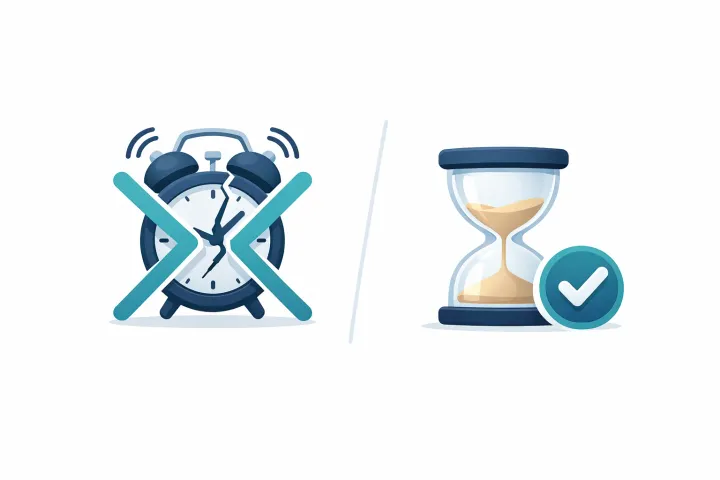
When you share a secret, the app wraps its content key using the recipient’s X25519 public key and your private key through libsodium’s crypto_box_easy. The recipient unwraps it on their device. Neither private key is sent to the server. Approval and waiting periods are server access rules; the encryption itself does not enforce a timer.
The result: AbsentKey’s servers store encrypted secrets and encrypted content keys, and manage access control metadata (who can request what, what timers are set). They do not have the private keys needed to decrypt secrets. And if you keep a secret local, which the vault supports fully offline with no account, it never reaches our servers at all, encrypted or otherwise. The most private secret is the one that never leaves your phone.
The mobile client is source-available on GitHub, so you can read the encryption code yourself and confirm secrets are encrypted before upload.
Why this matters for secret sharing
Think about what people share through services like AbsentKey as part of their digital legacy plan. Passwords to bank accounts. Cryptocurrency seed phrases worth real money. Business credentials. The kind of information where a breach doesn’t just mean inconvenience, it means financial loss, identity theft, or worse.
Now imagine sharing that through a service that can read it. You’re trusting every employee with database access. You’re trusting their security team to never make a mistake. You’re trusting that no government will ever compel them to hand over data. You’re trusting no attacker will ever breach their infrastructure.
That’s a lot of trust for a service holding your most sensitive information.
Client-side encryption protects secrets if stored server data is stolen: the attacker does not get the private keys needed to decrypt them. Server security still matters for availability and access rules.
If you’re putting your master passwords or recovery phrases into a sharing service to prepare your digital legacy, that service better not be able to read them. “Trust us” doesn’t cut it when the data is that sensitive. “We literally can’t” is the only acceptable answer.
FAQ
Can zero-knowledge services recover my data if I lose my password?
Resetting an account password does not recreate lost encryption keys. Recovery depends on the service’s setup. In AbsentKey, you need your 12-word recovery phrase and an available encrypted backup or copy of the data. The phrase restores your keypair; it cannot recreate missing files. Account login alone cannot decrypt your secrets.
Is zero-knowledge encryption the same as end-to-end encryption?
They describe related parts of a system. End-to-end encryption protects content from the sender’s device to the recipient’s device. Zero-knowledge storage means the provider lacks the keys needed to decrypt stored content. A personal vault can use zero-knowledge storage without sharing anything. AbsentKey uses both for shared secrets.
What happens if I lose my recovery phrase in AbsentKey?
If you lose your 12-word recovery phrase and also lose access to your device, your secrets are permanently locked. AbsentKey can’t recover them. This isn’t a limitation specific to AbsentKey, it’s a fundamental property of zero-knowledge systems. The phrase restores your X25519 keypair, which unlocks the stored content keys. Recovery also requires an available encrypted backup or copy of the data; the phrase cannot recreate lost local files. That’s why AbsentKey prompts you to write it down during setup and store it somewhere separate from your device.
Encryption that doesn’t require trust
Zero-knowledge encryption keeps the private keys needed to read your secrets off the server. You still rely on the service for availability and any server access rules.
If you’re going to share sensitive information through any service, make sure that service can’t read what you’re sharing. Not “promises not to.” Can’t.
AbsentKey is built on that principle. Your secrets are encrypted on your phone. Private keys stay on your devices; encrypted content keys can be uploaded for sync and sharing. The server stores data it can’t decrypt. Nobody can read your secrets except the people you choose to share them with.
Download AbsentKey, free to receive, available on iOS and Android.