Most dead man’s switch apps decide you are gone the moment you stop tapping a button. AbsentKey waits for a real person to ask before anything moves. No daily pings, no false triggers because you went camping.
Most dead man’s switch apps ping you on a schedule. Miss enough check-ins, and your secrets get released to your designated contacts.
That’s the problem.
The concept itself is sound, make sure someone can access your information if you’re no longer around to hand it over. But these apps decide you’re gone by listening for silence. And silence is a terrible signal. Understanding the difference between emergency access and a dead man’s switch helps explain why.
How Traditional Dead Man’s Switches Work
The standard model is a heartbeat. The app contacts you on a recurring schedule (daily, weekly, monthly) and asks you to confirm you’re still around. Implementations vary, but the core loop is always the same.
Cipherwill uses periodic check-ins. Stop responding, and the platform initiates its delivery process, releasing your digital will to your beneficiaries.
Snug Safety checks in daily. Every single day. Miss it, and your emergency contacts get an alert with your location. Snug doesn’t actually share secrets (it’s an alert service, not a vault), but the check-in model is identical.
DGLegacy calls theirs a “heartbeat protocol.” It monitors your activity across email, phone, and social media. Prolonged inactivity triggers the inheritance delivery. Watching multiple channels cuts down on false positives compared to a single ping, but doesn’t eliminate them.
Just In Case runs a 5-level escalation: email, then SMS, then an AI-generated phone call, then a cooling-off period, and finally the data release. Five chances to respond. That’s more careful than most, but it’s still fundamentally asking you to prove you’re alive at each step.
Inheriti ties check-ins to its blockchain-based inheritance protocol. Decentralized architecture aside, the trigger is the same: you stop responding, things start happening.
Across the category, the pattern holds. These apps assume that if you’re quiet long enough, something must have happened to you. Once that assumption kicks in, your data starts moving.
The biggest deployment of the model is Google’s Inactive Account Manager: go quiet for 3 to 18 months, and Google hands your data to the contacts you picked. We compare AbsentKey and Google’s Inactive Account Manager in detail elsewhere.
Why Check-Ins Fail
Check-in systems are optimized for one scenario: you’re dead or permanently incapacitated, and your silence accurately reflects that. In that case, they work as designed.
Every other scenario is the problem.
Silence is a terrible signal a camping trip shouldn't look the same as a coma.
You’re in the hospital for two weeks. Surgery, an accident, a health scare, you’re recovering, you’re alive, but you haven’t opened the app in 14 days. Your dead man’s switch just sent your crypto seed phrase to your brother.
You’re traveling with spotty service. A month through rural Southeast Asia. A sailing trip. A backcountry trek in Patagonia. You’re having the time of your life, but three missed weekly check-ins later, your passwords are in someone else’s hands.
You switched phones and forgot to reinstall. New device, restored most apps, this one slipped through the cracks. Two months later, your sister calls in a panic asking why she just received access to all your accounts.
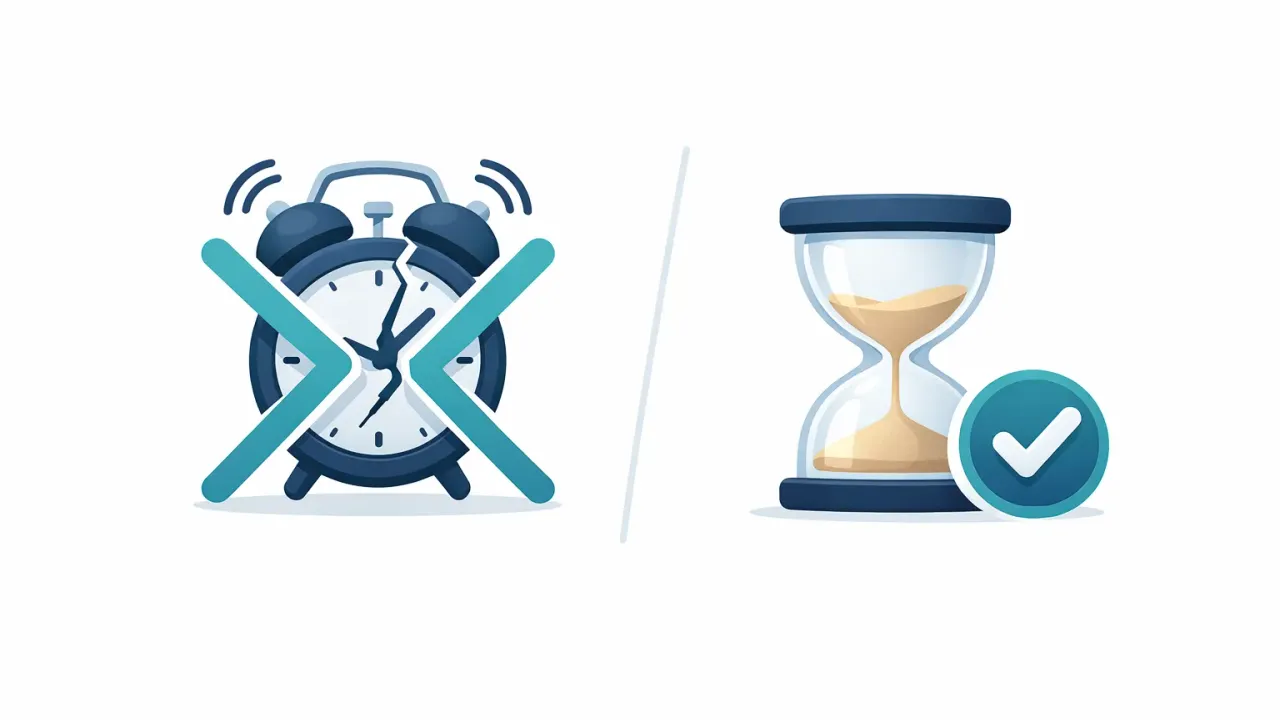
The more frequently a check-in app pings, the faster it catches genuine incapacity, and the more false releases it produces. You can’t tighten one without worsening the other.
You’re going through a rough period. Depression, burnout, a family crisis. Opening a dead man’s switch app to confirm you’re alive isn’t exactly a priority. But the app doesn’t distinguish between “too overwhelmed to check in” and “unable to check in.”
Your phone broke. Screen shattered, water damage, whatever. You’re waiting for a replacement. The app on the broken phone can’t check in, and you can’t install it elsewhere yet. Meanwhile, the clock is ticking.
You just forgot. The most common one. A hundred notifications a day, and one from a dead man’s switch app saying “Are you still there?” is easy to swipe away.
Every one of these is a false trigger. Your secrets get released when you’re still around and didn’t intend to share them. Depending on what you’ve stored, financial credentials, crypto keys, business passwords, personal documents, a false release creates real problems that are hard to undo.
The Request-Based Model
AbsentKey comes at this from the other direction. Instead of monitoring whether you’re alive, it waits until someone actually needs your information.
Here’s how it works.
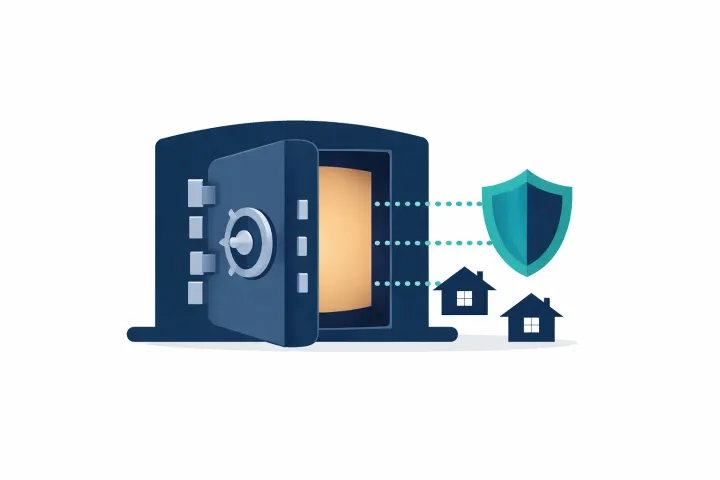
You add secrets to your vault, passwords, files, notes, crypto backup codes, whatever you want someone to access if you can’t hand it over yourself. Secrets are encrypted on your device before upload (XSalsa20-Poly1305 with X25519 key exchange, if you want the specifics). The servers never see plaintext secrets.
Then you invite recipients and set a waiting time for each. The timer is per person: anywhere from 1 day to 365 days. Maybe your spouse gets 3 days. Your parents get 30. Your business partner gets 7. You decide based on the relationship and the stakes.
After that? Nothing. No check-ins, no heartbeat, no pings. The system is completely quiet.
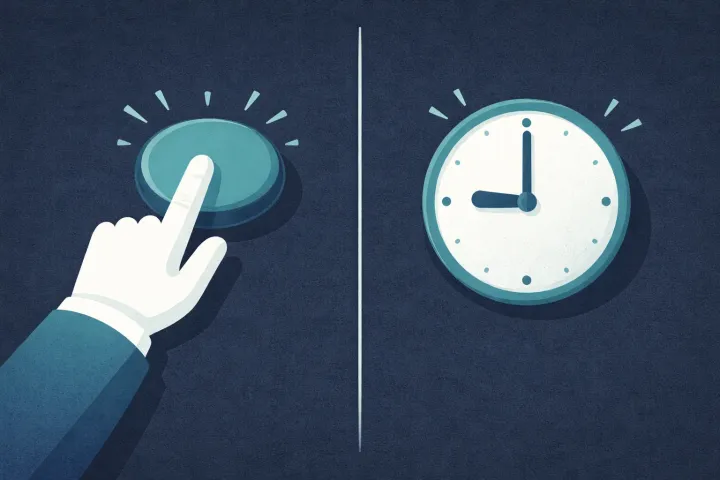
When a recipient actually needs access, they open the app and send a request. You get a push notification. Three options from there: approve immediately, deny, or do nothing.
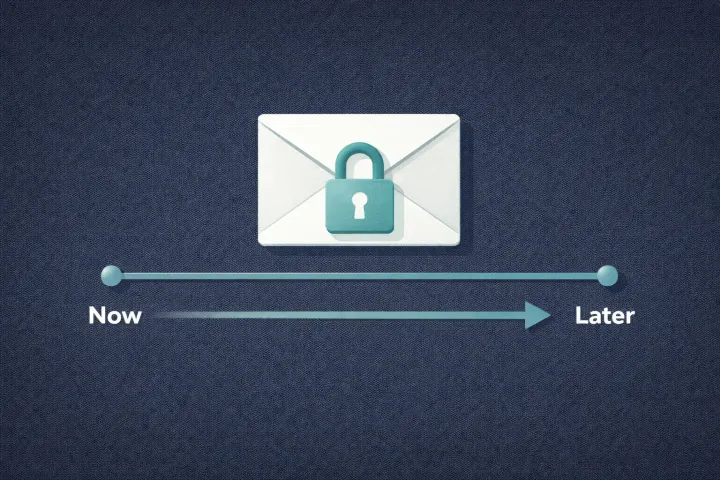
Approve, and they’re in right away. Deny, and the request is rejected, they can’t retry for a set period. Do nothing and let the timer run out, and they get access automatically. That last part is the safety net, and it only activates when a real person asks and you don’t respond.
The clock doesn’t start until someone makes a deliberate request. There’s no background countdown running against you. No system passively monitoring your heartbeat. The only trigger is a human on the other end saying “I need this.”
Go on a three-month sabbatical. Leave your phone in a drawer. Travel somewhere with zero coverage. Switch phones six times. As long as nobody requests access, nothing happens.
When Each Model Makes Sense
This isn’t a situation where one approach is universally better. Both have real strengths.
Check-in models work well when:
You’re disciplined about routines and confident you won’t miss a ping. Some people genuinely are, they track habits, maintain streaks, and never fall off. A forgiving check-in schedule (monthly, with escalation attempts before release) makes false triggers pretty unlikely. Just In Case’s 5-level system, for instance, gives you a lot of chances to catch it. For a side-by-side of how the six major services compare, including pricing, we ran them all.
Speed matters more than anything else. Daily check-ins will detect incapacity faster than waiting for someone to manually request access. For solo elderly individuals or people with serious health conditions, that responsiveness has real value.
Request-based models work well when:
You want to set it up once and forget about it. AbsentKey is entirely passive from your side after setup. No ongoing obligation, no daily ritual, no app you need to remember to open. Configure it, set the timers, and move on.
Your life involves stretches where you’re unreachable. Travel, remote work, off-grid hobbies, a check-in system becomes a liability. Request-based access doesn’t care if you’re offline for six months. It only cares if someone asks and you don’t answer.
False triggers scare you more than delayed ones. With check-ins, the risk is premature release. With request-based, the risk is delayed release (someone has to know to ask). If an accidental release of your crypto keys worries you more than a slight delay in legitimate access, request-based is the safer bet.
One thing to set up before you forget: your recipients need to know the system exists. They need the app installed. They need to understand that nothing will proactively notify them until they ask. A 2026 Carnegie Mellon study of older adults found almost none had even heard of built-in tools like legacy contacts or inactive account managers. Don’t count on your people finding any of this on their own.
That means you need a conversation with your recipients. “I use AbsentKey. If something happens to me and you need my passwords, open the app and request access. I’ve set a timer, if I can’t respond, you’ll get in.” Five minutes. For most people, it’s a conversation they should be having anyway. For a practical guide on what to share and how, see how to share passwords with family in case of emergency. Some people add a note in their physical emergency documents as a secondary reminder.
FAQ
What if I accidentally deny a legitimate request?
The recipient can just submit a new one, denial isn’t permanent. And since you’re actively denying it (meaning you’re alive and responsive), there’s no confusion. It’s just you saying “not right now.”
Can a recipient abuse the system by requesting access constantly?
There’s a cooldown after each denied or ignored request. They can’t spam requests hoping you’ll miss one. Every request triggers a notification on your end, so you always know when someone’s asking. And if someone is requesting access inappropriately, you can revoke their recipient status entirely.
What if none of my recipients think to request access?
That’s why the upfront conversation matters: your recipients need to know the system exists and how to use it. Five minutes of setup, and they know exactly what to do.
What about services that verify death before releasing anything?
Some newer services deliver only after two people you nominated confirm you’ve died. That prevents false triggers, but it still wants a monthly tap from you, and it can’t act while you’re alive but incapacitated. A coma doesn’t come with a death certificate. A request-based system covers both cases: dead, or unable to respond.
AbsentKey makes a different bet than most dead man’s switch apps. Instead of monitoring you, it trusts your recipients to act when they need to. No check-ins, no false triggers from a missed ping, no background anxiety about whether you confirmed you’re alive today. Learn more about how emergency access works in practice. Your recipients need to know the system is there.
Receiving is always free. Your family and trusted contacts don’t pay anything, they download the app, accept the invitation, and they’re set. Only the person storing and sharing secrets needs Premium ($1.99/month or $19.99/year).
Download AbsentKey and set it up once. Then forget about it.