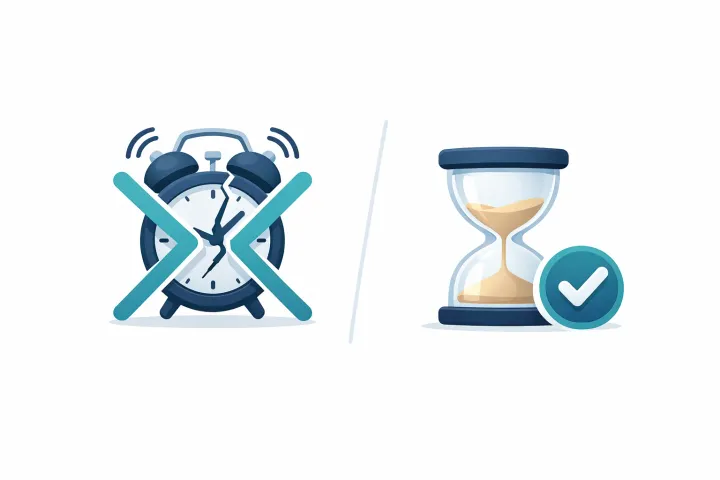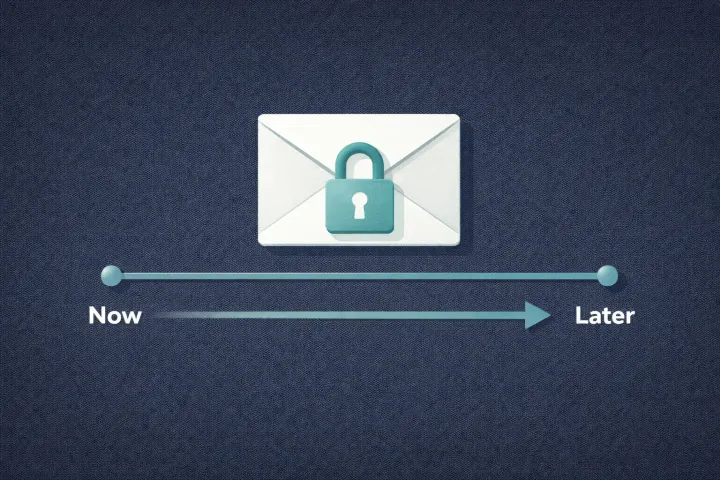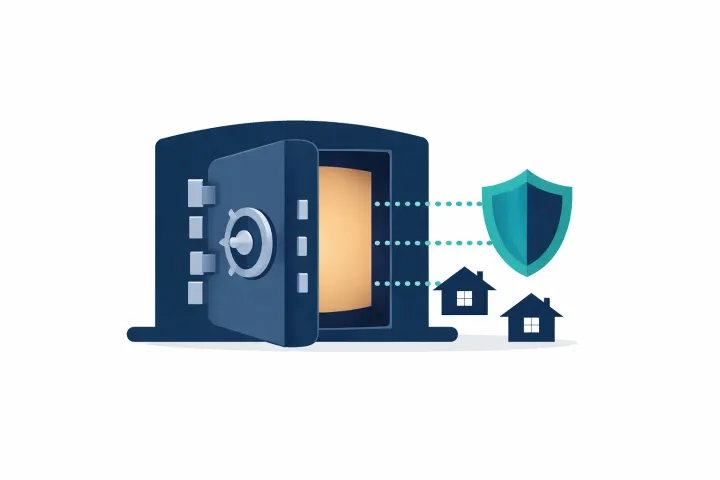
Emergency access and dead man’s switches both move your secrets to the right people when you can’t. The trigger is what separates them. One waits for a request. The other fires on silence.
These Terms Get Used Interchangeably. They Shouldn’t.
Search for “emergency access password manager” and you’ll find blog posts that treat “emergency access” and “dead man’s switch” as synonyms. They’re not. They describe two different mechanisms with different trigger conditions, different failure modes, and different tradeoffs.
The distinction matters because one of these models can false-trigger and the other can’t. If you’re deciding how to share your passwords after death, knowing the difference helps you pick the approach that actually fits your situation.
What Is Emergency Access?
Emergency access is request-based. Someone you’ve designated as a trusted contact sends an access request. You get notified. Then one of three things happens:
You approve and they get access right away. You deny it and they don’t. Or you don’t respond at all, and after a waiting period you configured in advance, the system grants them access automatically.
That last scenario is the safety net. If you set a 14-day timer and can’t respond to a request for two full weeks, something is probably wrong. The system treats your silence as consent after the clock runs out.
The thing to remember: nothing happens until someone asks. No monitoring, no scheduled pings, no background countdown. It sits there doing nothing until a recipient initiates a request.
Several products use this model. LastPass has emergency access built into its premium tier, with waiting periods up to 30 days. Bitwarden offers it on paid plans, the recipient can view or take over the vault. NordPass has it too, though locked at a fixed 7-day waiting period. Proton Pass added emergency access as part of their privacy suite. And AbsentKey uses this model as its core feature, with per-person waiting times from 1 to 365 days.
The implementations vary, but the underlying mechanism is the same: access is triggered by a request from someone else, not by your inaction on a schedule.
What Is a Dead Man’s Switch?
A dead man’s switch is check-in-based. You prove you’re alive on a regular basis, responding to a notification, tapping a button, opening the app, whatever the service requires. Miss enough check-ins and the system assumes you’re incapacitated or gone, then delivers your stored information to your designated contacts.
The term comes from heavy machinery. Trains and industrial equipment have physical switches that the operator must actively hold down. Let go and the machine shuts off. The digital version flips the logic: instead of “let go and the machine stops,” it’s “stop responding and the information gets released.”
One model fires on a deliberate ask; the other fires on silence.
Most implementations add escalation layers to reduce accidental triggers. For a deeper look at why these escalation layers still fall short, see the dead man’s switch that doesn’t make you check in. Just In Case has five levels: email, then SMS, then an AI-generated phone call, then a cooling-off period, then delivery. Snug Safety does daily check-ins and sends alert notifications. DGLegacy uses what they call a “heartbeat protocol”, monitoring your activity through email, phone, and social media. Cipherwill and Inheriti both rely on periodic check-in verification before initiating delivery.
The pattern is the same everywhere: you regularly prove you’re alive. When you stop, the system acts.
What Pulls the Trigger
Strip away the feature lists and pricing and the difference comes down to one thing: the trigger.
Emergency access is triggered by a request from someone else. Your trusted contact opens the app, finds the secret you shared with them, and taps “Request Access.” That starts the clock. Respond and you control the outcome. Don’t respond before the timer runs out, and they get in.
A dead man’s switch is triggered by your inaction on a schedule. The system checks on you at regular intervals. When you stop responding, a countdown begins that ends in delivery. Nobody has to ask. The trigger is your silence.
Here’s why that matters in practice: dead man’s switches can false-trigger. Emergency access can’t.
With a dead man’s switch, any gap in your responsiveness starts the process. You’re backpacking through a country with spotty cell service. You’re in the hospital and not checking your phone for a week. You switched phones and forgot to reinstall the app. You’re going through a rough patch and ignoring notifications. Any of these can look like incapacity to a system that’s watching for silence.
With emergency access, none of that matters. Nothing happens unless a specific person deliberately requests access to a specific secret. Your month-long vacation doesn’t trigger anything because the system isn’t watching you.
Dead man’s switches are proactive but fragile. Emergency access is passive but reliable.
Pros and Cons
Neither model is objectively better. The right pick depends on what you’re worried about.
Dead Man’s Switch
What it does well. It doesn’t require your recipients to know they need to ask. If something happens to you and your family doesn’t realize they should request access to your vault, a dead man’s switch still fires. Delivery happens whether or not anyone on the receiving end takes action. For people whose contacts aren’t tech-savvy, or might not even know an access mechanism exists, that’s a real advantage.
Where it falls short. The check-in requirement is a burden. The app needs your regular attention for as long as you use it. Skip a ping during a busy week and you risk a false release. Most services add grace periods and escalation steps, but the fragility remains. There’s always a scenario where normal life looks like incapacity to the system.
And over months and years, check-in fatigue is real. People stop responding to the pings. That either triggers a false release or means they’ve quietly abandoned the tool.
Emergency Access
What it does well. No false triggers. The system is dormant until someone asks for access, so there’s no way for it to fire accidentally. No check-ins to forget, no pings to respond to, no ongoing proof-of-life maintenance. Set it up once and it works indefinitely without your attention.
Where it falls short. It depends on your recipients knowing they should request access. If something happens to you and nobody on the other end thinks to open the app and tap “Request,” nothing gets delivered. You need to have a conversation with your trusted contacts ahead of time, they need to know the tool exists, that they’re a recipient, and that they should request access if something seems wrong. That coordination is a real requirement. Skip it and the whole model breaks.
Side by Side
| ★ Emergency Access (AbsentKey) | Dead Man’s Switch | |
|---|---|---|
| Trigger | Recipient requests access | You stop checking in |
| False trigger risk | ✨ None, requires deliberate request | Real (missed check-ins) |
| Ongoing maintenance | ✨ None | Regular check-ins required |
| Requires recipient action | Yes (they must request) | Delivery is automatic |
| Risk of fatigue / abandonment | ✓ Low, nothing to maintain | Higher (recurring check-ins) |
| Setup complexity | Share secret, set timer, tell recipient | Configure check-in schedule and contacts |
Where AbsentKey Fits
AbsentKey uses the emergency access model. No check-ins, no heartbeat monitoring, no daily pings. Silent until a recipient requests access.
Where it differs from emergency access in password managers is the level of control. Most password managers treat emergency access as one setting with one timer. Your contact either gets your whole vault after a fixed waiting period, or they don’t.
AbsentKey lets you set different waiting times for different people on different secrets. Give your partner a 7-day timer on financial accounts and a 90-day timer on something more sensitive. Your business partner gets a 30-day timer on company credentials while your sibling gets 14 days on family documents. Each secret, each recipient, each timer, independent.
The waiting period range is wider too. Password managers typically cap at 7 to 30 days. AbsentKey goes from instant access (no request needed) all the way to 365 days. For long-term succession plans or highly sensitive material, that extra range matters.
Recipients never pay. They download the app, accept the share, and they’re set. No subscription, no account tier. The person sharing pays for Premium. The person receiving pays nothing, ever.
Everything starts on your device. The vault works offline with no account, so you can store your secrets locally first and turn on per-person access whenever you’re ready. What you do share is encrypted before it leaves, and AbsentKey’s servers store ciphertext they can’t decrypt. The mobile client is source-available, so the encryption claims are verifiable, a difference from closed-source alternatives where you’re taking the company’s word for it.
FAQ
Can you combine both approaches?
Sure. You could use a dead man’s switch service for secrets where your recipients might not know to ask, and an emergency access tool for secrets where your contacts are aware and coordinated. There’s nothing stopping you from running Cipherwill or DGLegacy alongside AbsentKey. The tools don’t conflict.
In practice, most people pick one model and stick with it. Managing two systems for the same category of problem adds complexity, and complexity is the enemy of actually finishing setup. If you’re picking just one, the deciding factor is whether your recipients will know to request access. If yes, emergency access is simpler and more reliable. If no, a dead man’s switch covers the gap.
Which model is safer against accidental releases?
Emergency access, and it’s not close. A dead man’s switch fires on silence, and silence has many innocent explanations. Emergency access fires on a deliberate request followed by a period of non-response. The bar is much higher because a specific person has to take a specific action first.
But “safer against accidental releases” isn’t the only thing that matters. A dead man’s switch works without any action from your recipients. If avoiding false triggers is your top priority, emergency access wins. If making sure delivery happens even when nobody thinks to ask, dead man’s switch wins.
What if my recipients don’t know to request access?
This is the real vulnerability of emergency access. If something happens to you and your recipients don’t realize they should open the app and request access, the secrets stay locked.
The fix takes effort upfront: tell your recipients. Have the conversation. Make sure the people you’ve added know that AbsentKey (or whatever tool you’re using) exists, that they’re designated as recipients, and that they should request access if they can’t reach you for an extended period. Some people write this into their estate planning documents or mention it to their attorney.
One conversation is all it takes. After that, they know exactly what to do if they ever need access.
Set It Up While It’s Easy
Both models work. Both solve a real problem. The question is which failure mode you’d rather avoid: false triggers from missed check-ins, or missed deliveries because nobody thought to ask.
If you want the request-based approach with per-person timers and no check-in maintenance, AbsentKey was built for that. It starts as a free local vault that works offline with no account, so you can get your secrets in first and add emergency access when you’re ready. Setup takes a few minutes. Receiving is free. And nothing happens until someone asks.