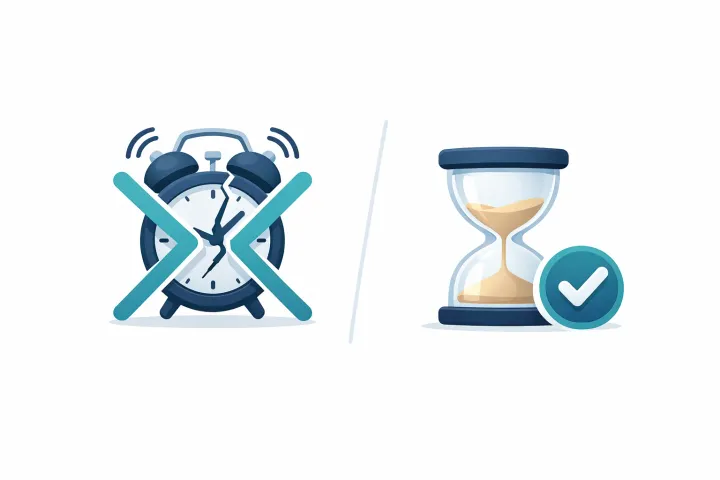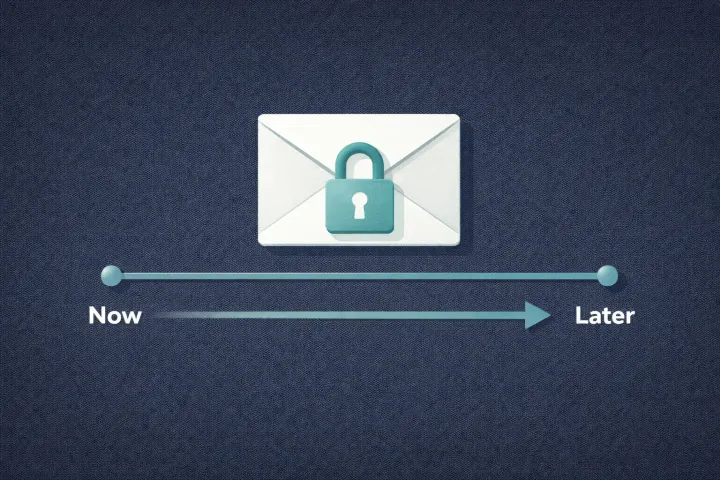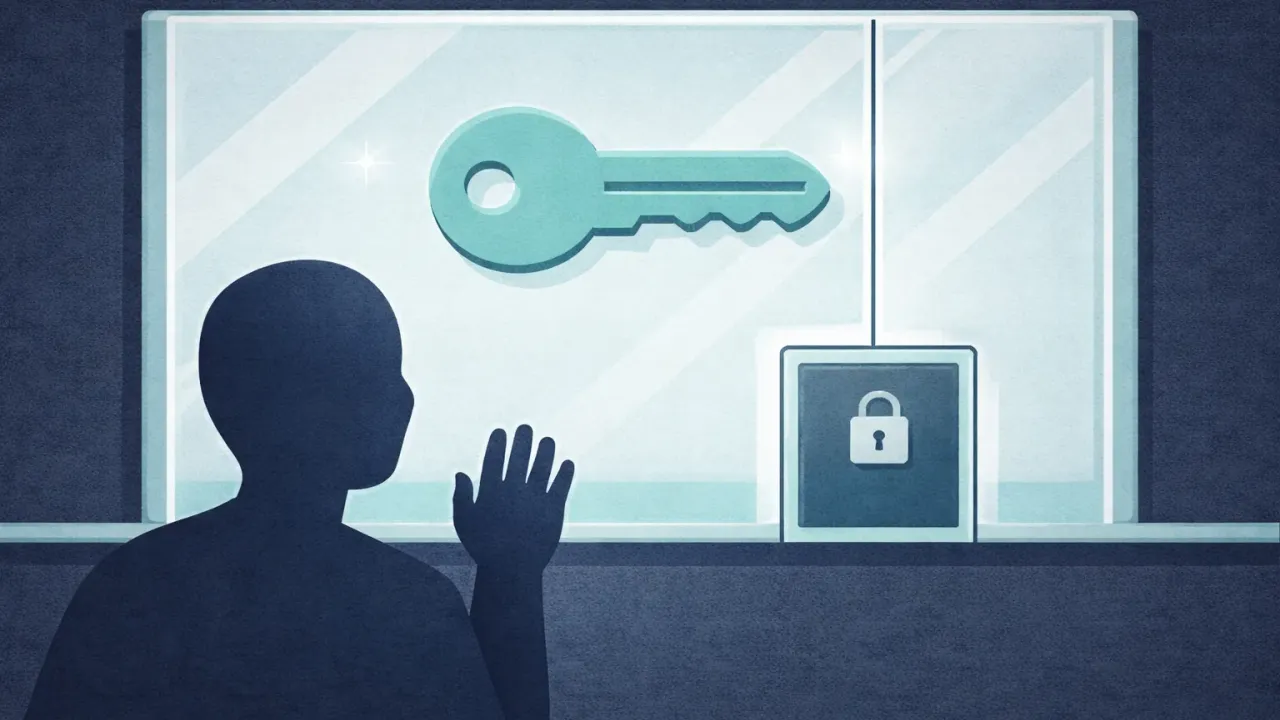
There is a difference between “here is the password” and “you can have the password when you need it.” Most sharing tools do not make that distinction. You share a login, the other person has it. Done.
For plenty of situations, that’s exactly right, your partner needs the shared bank account login? Give it to them.
But not everything fits that model. Some passwords you want people to be able to access, but not right now. Your spouse should have the brokerage login if something happens to you, not this afternoon. Your business partner should reach the company’s cloud credentials if you’re unreachable for a week, not as a standing invitation. Your adult kid should have certain logins when they genuinely need them, not just because you’ve technically shared access.
The problem isn’t sharing. It’s timing. Most tools treat it as binary, either someone has your password or they don’t. There’s rarely a middle state where access exists but isn’t active yet.
Why Immediate Sharing Isn’t Always What You Want
Think about the credentials that actually keep you up at night. Not the Netflix login. Your primary bank account. Your crypto exchange. Your business email with access to client data. The master password for your password manager. Your 2FA backup codes.
You’d want a trusted person to reach these in an emergency. But “emergency” is doing a lot of work in that sentence. You don’t want your spouse browsing your brokerage account out of curiosity, your business partner poking around the company AWS console on a slow Tuesday, or your kid logging into your email because they’re bored.
None of these people are acting maliciously. Immediate access just removes a layer of intentionality. When someone has a password, the only thing between them and using it is self-restraint, fine for shared household accounts, less fine for your entire financial life.
Controlled password sharing isn’t about distrust. It’s about matching access to need. Your family should absolutely be able to reach your critical accounts, especially when thinking about how to share passwords after death. They just don’t need to be holding the keys today.
Controlled sharing isn't distrust; it's matching access to need, not handing over the keys today.
What’s Out There Right Now
If you’ve looked into this before, you’ve probably run into a few common approaches. Each one solves part of the problem, but none quite nail the “share but don’t give access yet” model.
Shared password manager vaults. 1Password, Bitwarden, NordPass, and Proton Pass all let you create shared vaults or collections. Put logins in a shared space, everyone with access sees them immediately. Great for household passwords. Not great for conditional access, once it’s in the shared vault, it’s shared. No waiting period, no approval step, no way to say “you can have this, but only when the time comes.”
Email with instructions. Send your spouse an email with a list of passwords. Insecure (email isn’t end-to-end encrypted, so your provider can read it), immediate (they have it right now), and stale the moment you change a password and forget to update it.
Paper in a safe. Works at a single point in time, but passwords change constantly. Within months, the list is outdated. It’s also all-or-nothing: whoever opens the safe gets everything.
Emergency access in password managers. This is the closest thing to what we’re talking about. LastPass, Bitwarden, NordPass, and Proton Pass have some form of emergency access: a trusted contact requests entry to your vault, and if you don’t deny it within a waiting period, they get in. The concept is right. But the waiting period hands over your entire vault (with Proton, your entire account), not selected secrets. You can’t share specific items with specific contacts. NordPass locks you at 7 days with no option to change it. It’s your whole vault or nothing. For a side-by-side, see our password manager emergency access comparison.
These range from “totally insecure but easy” to “somewhat controlled but inflexible.” What’s missing is a tool where sharing and access are treated as two separate things.
Conditional Sharing: Sharing Without Giving Up the Keys
The idea is simple enough. Store your secrets somewhere secure. Designate specific people who should be able to access specific secrets. But instead of handing them immediate access, set conditions, those conditions determine when and how they actually get the information.
The most practical condition is time. Set a waiting period. When your designated person needs access, they request it. You get notified. Approve, and they’re in right away. Don’t respond, and the clock runs down until the timer expires. Deny the request, and nothing happens.
This shifts the whole dynamic. You’re not handing someone a password and hoping they only use it when appropriate. Access is available but gated, the gate is your approval, and the fallback is a timer that accounts for the possibility you can’t approve because something happened to you.
Per-person, per-secret. A 3-day wait on financial accounts for your spouse. A 14-day wait on company credentials for your business partner. A 30-day wait for something especially sensitive for a sibling. Each relationship gets its own rules.
It also works on a per-person, per-secret level. Your spouse might have a 3-day wait on financial accounts. Your business partner might have a 14-day wait on company credentials. Your sibling might have a 30-day wait on something especially sensitive. Each relationship and each secret gets its own rules. Not one person getting your entire vault after a fixed delay, granular, conditional sharing where you decide who gets what and when.
How AbsentKey Does This
Here’s the actual flow.
Add your secrets. Passwords, notes, files, crypto backup codes, 2FA recovery keys, whatever you need to share conditionally. Secrets are encrypted on your device before upload. AbsentKey’s servers cannot decrypt them.
Pick your recipients. Each person is added individually. You choose exactly which secrets each person can access. Your spouse might see financial accounts and insurance logins; your business partner might see company credentials only. Not a shared vault where everyone sees everything.
Set a waiting time per person. For each recipient, on each secret, you pick a waiting period, anywhere from 1 day to 365 days. A 3-day wait means if you don’t respond to their request within 3 days, they get access automatically. A 90-day wait gives you three months. Set it based on the relationship and how sensitive the information is.
They request when they need it. Your recipients don’t have passive access to anything. When they actually need a secret, they open AbsentKey and request it. That’s a deliberate action, you get a push notification.
You approve, deny, or let the timer run. Approve and they get instant access. Deny and the request is closed. If you can’t respond (hospital, traveling without service, or worse), the timer handles it. When it runs out, they’re in.
No check-in system. No daily pings. No dead man’s switch counting down in the background. The system is quiet until someone makes a request. Recipients never pay, they download the app, accept the share, and that’s it. Only the person storing and sharing needs Premium ($1.99/month or $19.99/year).
Where This Matters Most
Different situations call for different configurations. Per-person, per-secret waiting times are what make conditional sharing practical across a range of real scenarios.
Family access to financial accounts. You want your spouse to reach your bank login and investment accounts if something happens, but not as standing access. A 3 to 7 day wait means you’ll see the request and can approve instantly if you’re around. If you’re not, a few days isn’t an unreasonable wait for someone managing finances on your behalf.
Business continuity. Your business partner needs company credentials if you’re suddenly unreachable, server logins, cloud console, domain registrar, payment processor. A 7 to 14 day timer is long enough that a vacation doesn’t trigger anything, short enough that the business isn’t paralyzed if something goes wrong. And because it’s per-secret, you can share operational credentials without also sharing personal financial information.
Long-term contingency while traveling. Going off-grid for a month? Set longer timers (30 to 90 days) so nothing happens during the trip. If you come back, the requests are sitting there for you to deny. If you don’t, the people you trust eventually get what they need.
Mixed access levels within a family. Your spouse gets financial accounts with a 3-day wait. Your parents get insurance information with a 14-day wait. Your adult child gets your email login with a 7-day wait. Each person gets what’s relevant to them, on a timeline that matches the relationship.
FAQ
What happens if someone requests access and I’m just busy?
You get a push notification. If everything’s fine, deny the request, that’s the end of it. Didn’t see the notification right away? You still have the entire waiting period. A 7-day wait gives you a full week to check your phone. Access only gets granted automatically if you’re truly unreachable for the entire duration.
Can recipients see the secret before the timer runs out?
No. The secret stays encrypted and inaccessible until you either approve the request or the waiting period expires. Requesting access doesn’t give them a preview or any hint of what the secret contains.
Is this just for emergencies, or can I use it for everyday sharing too?
Both. If you want someone to have immediate access, approve requests as they come in. But the real use case is for credentials you don’t want shared day-to-day, the “break glass in case of emergency” stuff that should be available but not accessible until genuinely needed. Most people use a regular password manager for everyday sharing and AbsentKey for conditional, time-gated access.
How is this different from the emergency access in my password manager?
Password manager emergency access opens your whole vault (or with Proton, your whole account) after one waiting period per contact. AbsentKey shares specific secrets with specific people, each with its own timer from 1 to 365 days, and recipients only need the free app. If you want per-secret control instead of an all-or-nothing handover, that’s the difference.
Sharing passwords doesn’t have to be all or nothing. You can make your most important credentials available to the people you trust without putting them in anyone’s hands today. Explore all your emergency access options to find the right setup. Set the conditions, set the timers, and let the system handle the rest.
Download AbsentKey and set up conditional access for the accounts that matter most. Takes a few minutes now, saves a real headache later.