Password inheritance is how your credentials reach the right people when you can’t manage them yourself. Most people have no plan. Password managers offer a bolt-on. Dedicated tools like AbsentKey were built for exactly this.
A Problem That Doesn’t Have a Name Yet
Most people haven’t heard the term “password inheritance.” They’ve felt the problem, though.
Maybe you were setting up two-factor authentication and realized nobody else could get into your accounts if something happened to you. Maybe a family member died and you spent weeks trying to recover their email. Or maybe you just looked at the 90+ logins in your password manager and thought, “If I got hit by a bus tomorrow, all of this would just disappear.”
That’s password inheritance, making sure your passwords, files, and digital credentials reach the right people when you’re no longer able to manage them. Not only after death. After a serious accident, a medical emergency, or any scenario where you can’t respond.
It’s not a term most people know yet. But it describes something nearly everyone will deal with.
The Problem It Solves
Your family can inherit your house through probate. Your bank account through legal processes. Your car through a title transfer. These things have systems, slow and bureaucratic, but they exist.
Your passwords don’t have any of that.
There’s no “next of kin” process for a Gmail login. No court order that forces Coinbase to hand over your crypto. No government form that transfers ownership of your iCloud account. When you die or become incapacitated, every account protected by a password becomes a locked box with no official way to open it.
The filing cabinet went digital and it's locked with a password nobody else knows.
The average person has between 70 and 100 password-protected accounts. Email, banking, cloud storage, social media, crypto exchanges, insurance portals, streaming services, medical records, every one gated by credentials that live in your head or in a password manager only you can access. If nobody else has those credentials, they’re functionally gone.
Twenty years ago, most important things were physical. Bank statements came in the mail. Insurance policies sat in a filing cabinet. Now the filing cabinet is digital, and it’s locked with a password nobody else knows. Digital legacy planning exists to solve this problem.
Password inheritance is the answer to that lock: any method, tool, or process that gets your credentials into the right hands at the right time, without requiring you to hand them over in advance.
How Password Inheritance Works
The concept is straightforward. You designate people, set conditions, and your credentials transfer when those conditions are met.
In practice, you’re deciding three things:
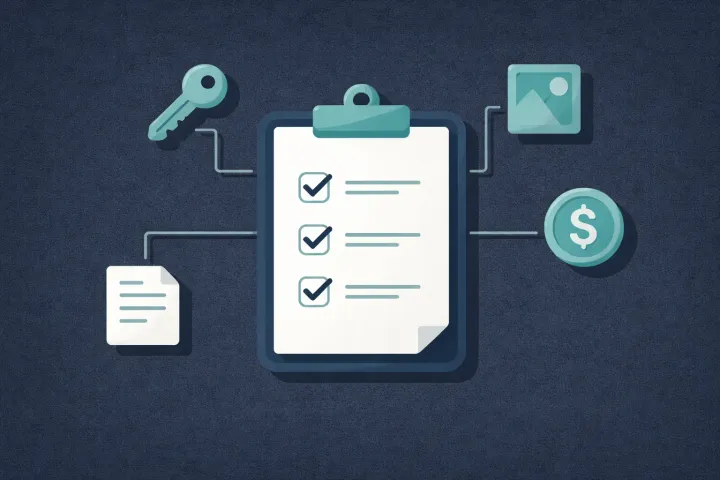
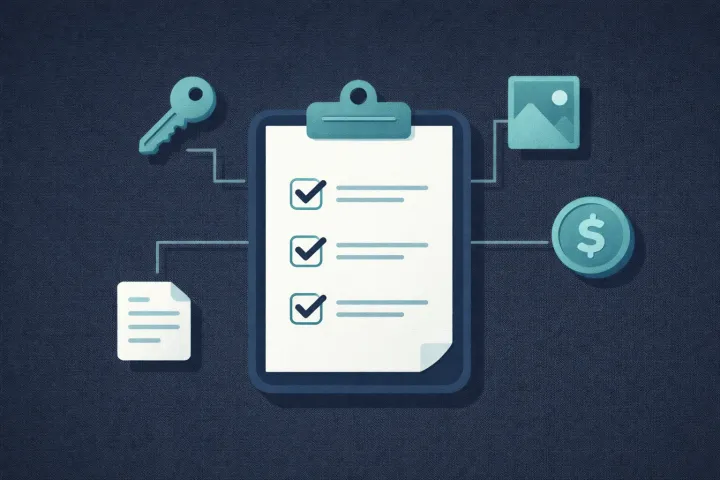
- What you’re sharing, which passwords, files, and credentials need to be passed on.
- Who gets them, which specific person receives which specific piece of information.
- When they get access, under what circumstances and with what safeguards.
That third point is where solutions differ. Some give access immediately. Some require a request and a waiting period. Some use heartbeat check-ins (you prove you’re alive on a schedule, and if you miss one, delivery triggers). Some rely on manual processes like a sealed envelope.
A good implementation has a few properties: the recipient doesn’t get access until they actually need it, the owner stays in control as long as they’re able, the transfer happens automatically when the owner can’t respond, and everything is encrypted so nobody else can read the contents.
Current Solutions (and Their Limitations)
Dedicated Sharing Vaults
Tools built from scratch for sharing sensitive information with specific people under specific conditions. AbsentKey falls into this category (more on how it works below). No check-ins, per-recipient timers, and the receiving side never pays, the opposite of treating handoff as an afterthought.
Password Manager Emergency Access
The most common form of password inheritance today is emergency access built into password managers.
LastPass lets you designate an emergency contact who can request access to your entire vault with a waiting period of up to 30 days. It works, but the 2022 breach, which exposed encrypted vault data, left a lot of people unwilling to trust the platform.
Bitwarden offers emergency access on premium plans with configurable wait times. Competent but limited. It’s a feature stapled onto a product designed for personal use, not controlled sharing.
NordPass has emergency access with a fixed 7-day waiting period you can’t change. Seven days for everyone, regardless of the relationship or the sensitivity of what’s being shared.
Proton Pass added emergency access with configurable waiting periods as part of the broader Proton ecosystem. One of the more thoughtful implementations, but both sides need to use Proton.
1Password doesn’t have in-app emergency access. Their solution is an Emergency Kit PDF you print and store somewhere safe, the paper method with a branded template.
The common thread: emergency access is a secondary feature, not the core product. It usually gives all-or-nothing access to your entire vault, requires the recipient to have their own account on the same platform, and treats the receiving experience as an afterthought.
Digital Will Platforms
Cipherwill is a web-based digital will platform where you store digital assets and designate beneficiaries with end-to-end encryption. The catch is the heartbeat model: you check in periodically to prove you’re alive. Miss a check-in because you’re traveling or hospitalized, and the system thinks you’re gone. False triggers are a real risk.
Manual Methods
Write your passwords on paper, seal them in an envelope, store them in a fireproof safe or with your attorney. Low-tech and can’t be hacked remotely, sure, but passwords change frequently, paper can be found by the wrong person, and whoever holds the envelope has all your passwords right now with nothing stopping them from looking early. Attorney-held documents also require your death and a probate process that can take months, which doesn’t help if you’re incapacitated but alive.
What Good Password Inheritance Looks Like
If you’re evaluating how to handle this, here’s what actually matters.
Per-item control instead of all-or-nothing. Zero-knowledge encryption you can audit. No daily check-ins. Free for recipients. Clear notifications. The first item is what most password managers fail.
Per-item control, not all-or-nothing. You should be able to decide exactly who gets which credentials. Your spouse might need banking logins. Your adult child might need social media accounts. Your business partner might need shared SaaS logins. Handing your entire vault to one person because the tool can’t be more granular isn’t inheritance, it’s a data dump.
Encrypted transfer. Your credentials should be encrypted at every stage. If the service provider can read your data, a breach exposes everything. Zero-knowledge encryption (where even the company running the tool can’t see your plaintext data) is the standard to look for.
No single point of failure. Assign different secrets to different people, revoke access if relationships change, update your plan without starting over.
No daily maintenance. Heartbeat check-in systems require you to regularly prove you’re still around. The moment it gets annoying, you stop responding. Then the system either triggers falsely or you abandon the tool entirely. The best password inheritance tools don’t need ongoing effort once they’re set up.
Recipients don’t need to pay. If your family has to maintain a paid subscription to a tool they’ll hopefully never use, adoption drops fast.
Clear notifications. When someone requests access, you should know immediately. If you can respond, you should be able to approve or deny right from your phone.
How AbsentKey Handles Password Inheritance
AbsentKey is a password inheritance app built around one idea: you share secrets with people you trust, and you control exactly when they get access.
The practical flow:
You add your secrets. Passwords, files, notes, recovery codes, seed phrases, documents. Text-based secrets and files, with preview support for PDFs and images.
You assign each secret to a specific person. Not a group, not “everyone.” Each secret goes to one recipient. Your spouse gets the banking credentials. Your sibling gets the insurance logins. Everyone sees only what you’ve assigned to them.
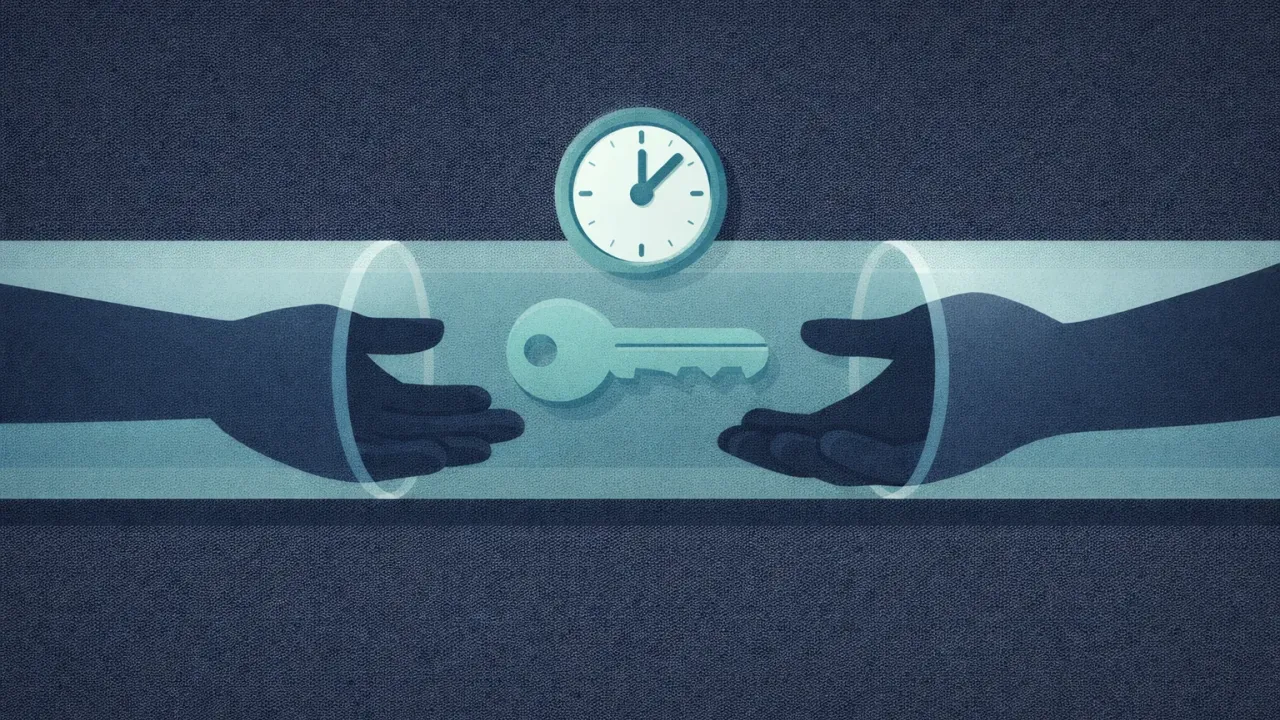
You set a waiting time for each person. This is per person, not a global setting. You might give your spouse a 7-day window and your sibling 90 days. The range is 1 day to 365 days, or instant if you want to share something right now.
Nothing happens until someone requests access. No heartbeat. No check-in schedule. No daily ping asking you to confirm you’re alive. The app sits quietly until a recipient submits an access request.
You get notified. If you see the request, you can approve it instantly or deny it. Your spouse needs a login while you’re traveling? They request, you approve from your phone, done.
If you can’t respond, the timer runs. This is the inheritance scenario. You’re unreachable, incapacitated, or gone. The recipient requested access, you didn’t respond, and when the waiting time expires, they get access automatically. That’s your safety net.
Encryption is end-to-end with XSalsa20-Poly1305 and X25519 key exchange. The server never sees your secrets in plaintext. The mobile client is source-available on GitHub, runs on both iOS and Android, and receiving is always free. Premium (for the person creating and sharing secrets) is $1.99/month or $19.99/year.
FAQ
Can I use a password inheritance app alongside my regular password manager?
Yes, and that’s the most common setup. Your password manager handles daily logins. A tool like AbsentKey handles the inheritance layer, storing the credentials your family would need, assigned to the right people, with appropriate waiting times. Different problems, works well together.
What if my situation changes and I want to revoke someone’s access?
Good password inheritance tools let you revoke access at any time. In AbsentKey, you can remove a recipient, delete a secret, or change the waiting time whenever you want. Nothing is permanent until the timer actually runs out on an active request, and you can deny the request at any point before it expires.
Is password inheritance only for after you die?
No. Death is the most obvious use case, but password inheritance covers any scenario where you can’t manage your credentials yourself. A medical emergency, an extended hospital stay, being unreachable in a remote area, or any situation where someone you trust needs access on your behalf. The “inheritance” framing captures the idea of passing something valuable to someone else, not just the finality.
Password inheritance isn’t mainstream yet. Most people don’t have a plan, and most don’t know the tools exist. But the underlying problem is universal: your digital life is locked behind passwords nobody else has, and there’s no official process for fixing that.
Setting it up takes minutes, not hours. Start with the accounts that matter most, assign them to the right people, and pick a waiting time that matches your comfort level.
Download AbsentKey and set up your password inheritance plan.