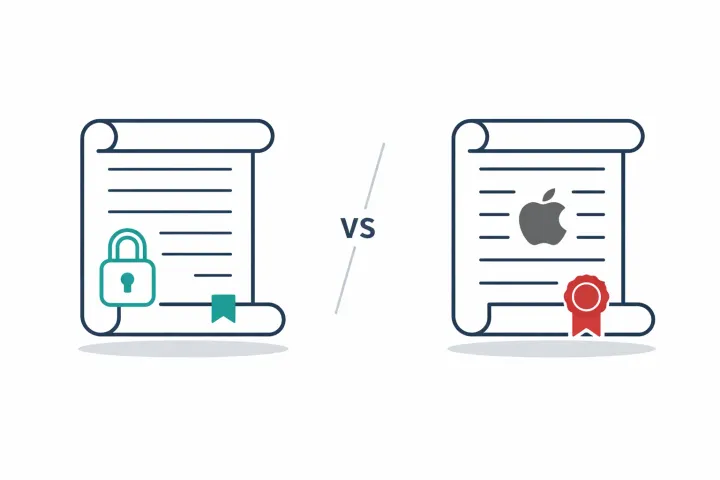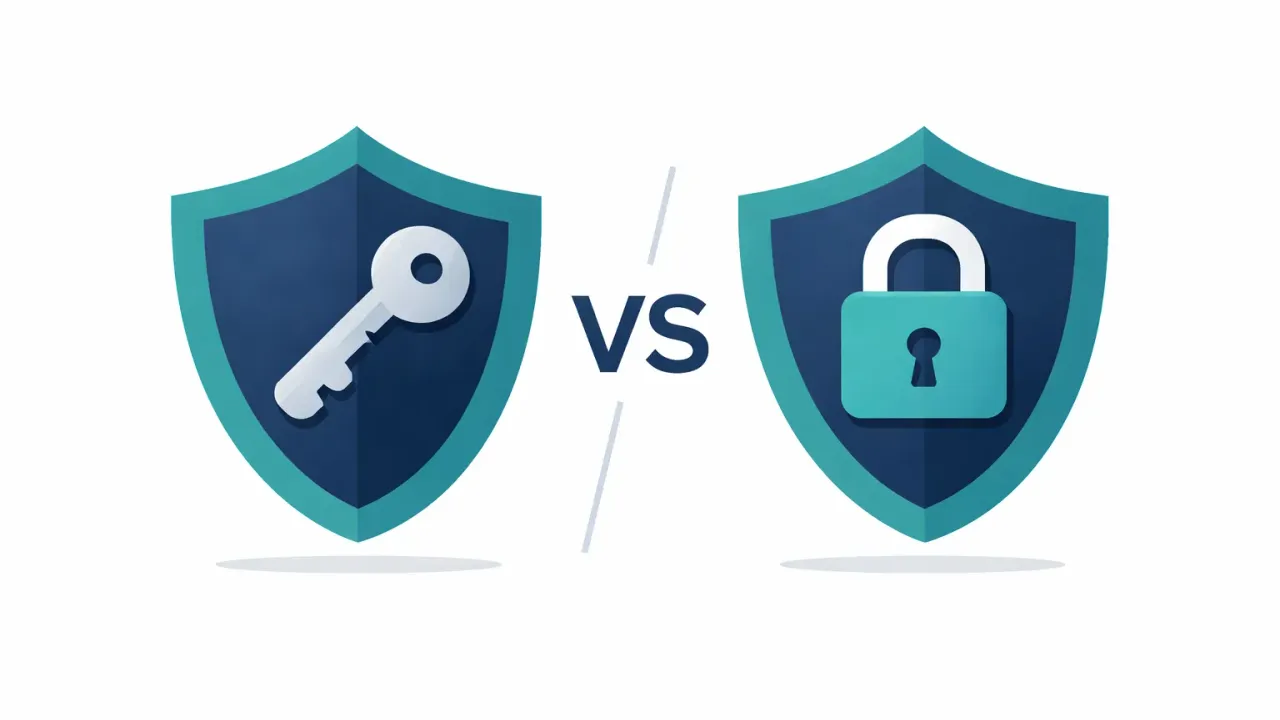
Bitwarden’s Emergency Access and AbsentKey work on the same principle: someone requests access, a timer runs, and if you don’t respond, they get in. The real differences are in scope, recipient complexity, and what each tool is for.
Bitwarden deserves the love it gets
Bitwarden is good software. Open source (AGPL-licensed), so anyone can audit the code. The free plan covers more than most people need, and premium is $19.80 a year. If someone asks me what password manager to use, Bitwarden is usually my answer.
But a password manager solves a specific problem: helping you access your passwords across devices. The harder question is what happens when you need someone else to access them. Maybe it’s an emergency. Maybe your partner just needs the wifi password while you’re on a flight. That’s where emergency access comes in.
How Bitwarden’s Emergency Access works (and where it stops)
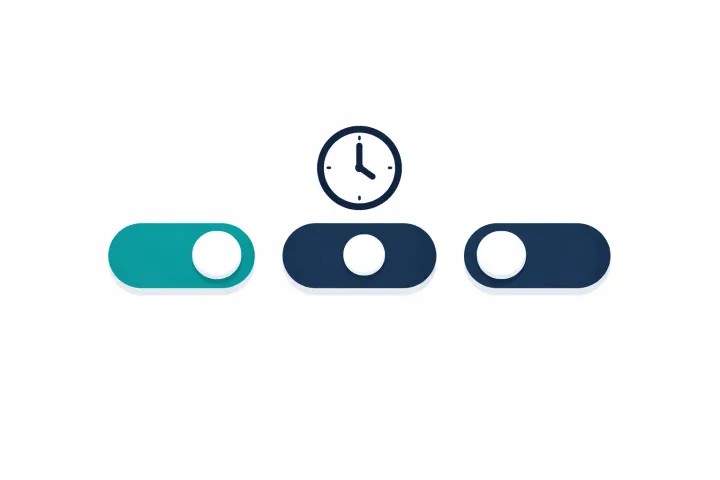
You designate a trusted contact within Bitwarden. You set a wait period (1 to 90 days). If that person initiates an access request and you don’t reject it within the wait period, they get access.
The mechanism is similar to how AbsentKey works: request, wait, auto-grant if no response. Both are pull-based systems. Neither makes you check in daily to prove you’re alive.
So why does this comparison exist? Because sharing the same mechanism doesn’t mean the experience is the same.
Same mechanism, different scope and what each tool was built for.
It’s all or nothing. Your contact gets your entire vault. Every login, every card, every note. You can’t scope it to specific items. If you have both personal and work credentials in the same vault, you’re sharing everything or nothing. Per-item scoping has been a long-standing feature request in Bitwarden’s community. It hasn’t shipped.
The recipient needs a Bitwarden account. Free, to be fair. But if your spouse, your parents, or your lawyer doesn’t use Bitwarden, they need to learn a full password manager they’ll never use for anything else. For technically savvy contacts who already use Bitwarden, this works fine. For a parent who barely manages email, it quietly fails at the exact moment it was supposed to work.
It’s premium-only and emergency-only. The free plan doesn’t include Emergency Access. You need $19.80/year premium. The timer caps at 90 days. And the minimum wait period is 1 day, so there’s no concept of “share this one item right now.”
This isn’t a criticism. Password managers are built for you to access your own stuff. Controlled sharing with other people is a different problem.
Where AbsentKey differs
AbsentKey isn’t a password manager. No autofill, no browser extension, no desktop app. It doesn’t do the daily stuff Bitwarden does.
It’s a vault for controlled sharing. You pick what each person gets. Your spouse gets the bank passwords. Your business partner gets the server credentials. Your sibling gets the crypto seed phrase. Each assignment has its own timer, 1 day to 365 days.
# AbsentKey
scope = “per-secret, per-recipient”
recipient = “installs single-purpose app”
timer = “1d–365d”
use_case = “everyday or emergency”

# Bitwarden Emergency Access
scope = “entire vault”
recipient = “holds Bitwarden account”
timer = “1d–90d”
use_case = “emergency only”
Both tools are pull-based, which means the recipient has to request access. If they forget about the setup, change phones, or don’t understand the process, neither system helps. That applies equally. Both are also free on the receiving end. But where Bitwarden asks your contact to maintain a full password manager, AbsentKey asks them to install an app that does one thing.
Some dead man’s switch apps make you prove you’re alive every day or week. AbsentKey only triggers when someone actively requests access. If nobody requests, nothing happens. Your secrets sit encrypted, indefinitely.
On encryption: XSalsa20-Poly1305 for symmetric encryption, X25519 for key exchange, HKDF-SHA256 for key derivation. The server never sees plaintext. The mobile client is source-available on GitHub.
Both tools share the request-timer-grant shape. The difference is what flows through it: an entire vault for one trusted contact, or individual secrets routed to specific people on independent schedules.
AbsentKey also works for everyday sharing. Wifi password for a house guest with a 1-day timer. A document your lawyer needs with a 30-day window. Staging credentials for your co-founder with a 7-day timer. Someone requests access, you approve from a push notification in 30 seconds. The request doesn’t have to mean something went terribly wrong.
Side-by-side comparison
| ★ AbsentKey | Bitwarden | |
|---|---|---|
| Primary purpose | Vault for controlled sharing with trusted contacts | Password manager for daily use |
| Emergency access | ✓ Yes, core feature (grantor needs premium) | Yes (grantor needs premium, $19.80/yr) |
| Access mechanism | Request + timer + auto-grant | Request + timer + auto-grant |
| Per-item scoping | ✓ Yes, per-secret, per-person | No (entire vault) |
| Timer range | 1–365 days | 1–90 days |
| Everyday sharing | ✓ Yes, instant approve to 365-day timers | Not designed for it |
| Recipient requirements | Free AbsentKey app (single-purpose) | Free Bitwarden account (full password manager) |
| Check-ins required | ✨ None | None |
| File sharing | Any file type with preview | Vault attachments (premium) |
| Encryption | XSalsa20-Poly1305, X25519, HKDF-SHA256 | AES-256 |
| Open source | Source-available (mobile client) | Yes (AGPL) |
| Pricing | Free to receive · $0.99/mo or $9.99/yr to create secrets | Free tier + $19.80/yr premium |
| Self-hosting | No | Yes (Vaultwarden) |
Using Bitwarden and AbsentKey together
Keep using Bitwarden for daily logins, credit cards, secure notes, autofill. Don’t change a thing.
Then open AbsentKey. Create a secret with your Bitwarden master password and recovery code. Assign it to whoever you’d trust with your entire digital life. Set the timer to whatever feels right: 14 days, 30, maybe 90.
Now that person doesn’t need a Bitwarden account. If something happens to you, they request access in AbsentKey. If you can respond, you approve or deny. If you can’t, the timer runs out and they get your Bitwarden master password. From there, they can access everything.
Or keep it mundane. Your partner needs the wifi password while you’re on a flight? They request it, you approve from the plane wifi. Thirty seconds.
FAQ
Can I use AbsentKey as my password manager?
No. AbsentKey doesn’t autofill passwords, doesn’t sync across browsers, and doesn’t have a desktop app or browser extension. It’s built for sharing secrets with specific people under conditions you control. For daily password management, keep using Bitwarden or whatever you prefer.
Is AbsentKey open source like Bitwarden?
Not exactly. Bitwarden is fully open source under the AGPL license. AbsentKey’s mobile client is source-available, so you can read and audit the code, but the license is different. AbsentKey is also a newer, smaller project. It doesn’t have the years of community auditing that Bitwarden has.
What if I already use Bitwarden’s Emergency Access?
You can use both. They share the same basic mechanism: request, wait, auto-grant. Bitwarden’s works if your contact already uses Bitwarden and you’re fine sharing your entire vault. AbsentKey adds per-secret granularity, longer timer ranges (up to 365 days), and the ability to share with people who don’t use Bitwarden. They’re not mutually exclusive.
The bottom line
Bitwarden is a password manager, a very good one. AbsentKey is a vault for controlled sharing. The mechanism is similar. The difference is in what you can share, with whom, and for what.
If Bitwarden’s Emergency Access covers your needs, use it. If you need per-secret granularity, contacts who don’t use Bitwarden, everyday sharing, or timers longer than 90 days, that’s what AbsentKey was built for.
Keep your passwords in Bitwarden. Put your Bitwarden master password in AbsentKey. Set your timer. That’s your safety net.
Download AbsentKey, available on iOS and Android.