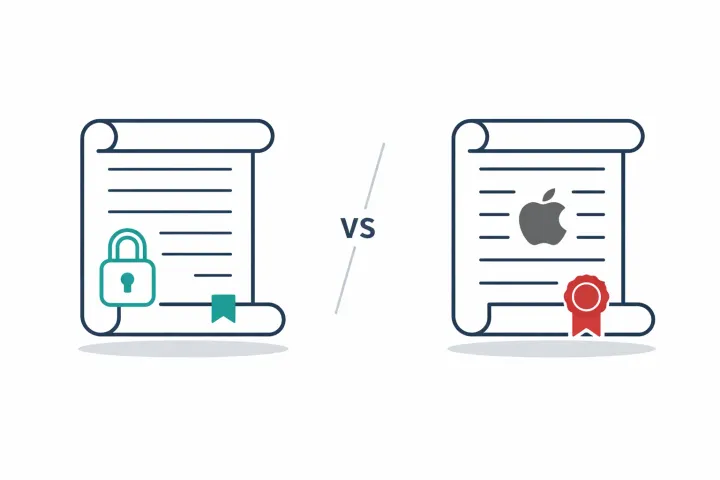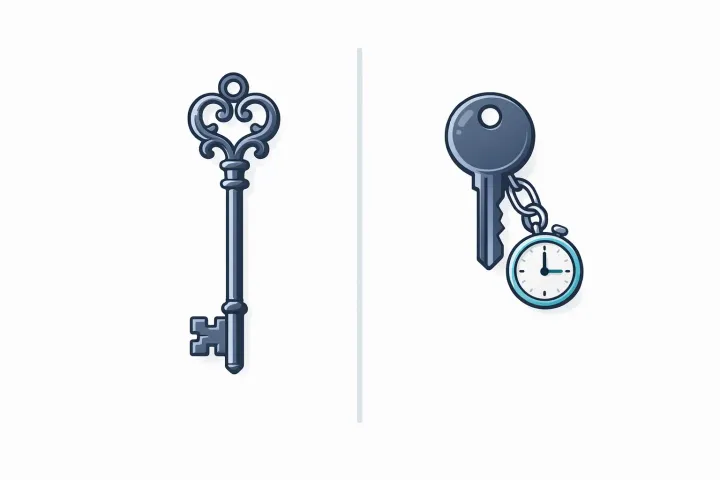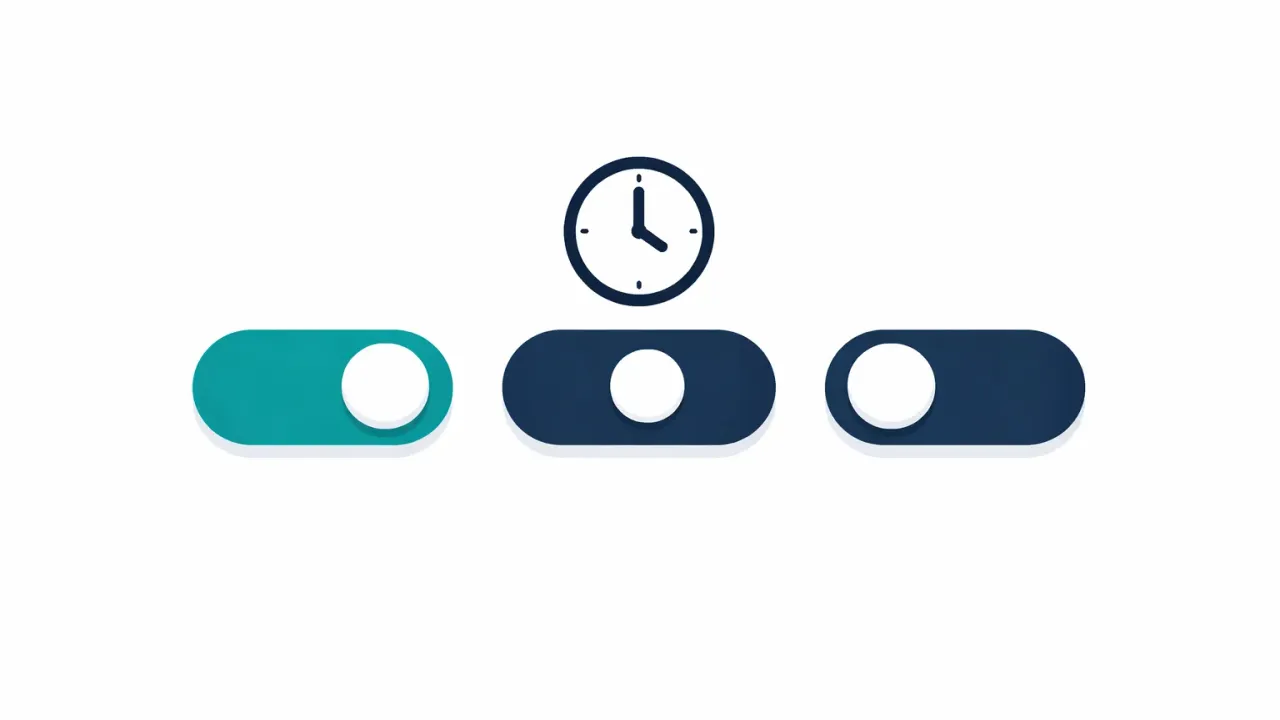
Six apps handle dead man’s switch functionality, six different ways. Cipherwill works as a digital will. Just In Case piles on AI features. Snug Safety only sends alerts. Inheriti goes on-chain. DGLegacy bundles password management. AbsentKey ditches check-ins entirely.
Why This Keeps Coming Up
Billions of dollars in crypto have been lost because nobody had the keys when the owner couldn’t hand them over. Password managers are starting to tack on emergency access features, but they’re afterthoughts, buried three menus deep, limited in what they can share. Our password manager emergency access comparison covers six of them in detail. Meanwhile, a growing number of people are realizing their digital life (accounts, files, keys, credentials) doesn’t just vanish when something goes wrong. Someone needs to get in.
Dead man’s switch apps exist to solve that. They release information to people you’ve designated when you can’t do it yourself. The category has grown enough over the past few years that picking between them now takes actual research.
We did that research. This post compares six apps that handle some version of this problem. We built one of them, so we’re biased, but we’ve tried to be honest about what each app does well and where it falls short. Judge for yourself.
What’s a Dead Man’s Switch?
The term comes from heavy machinery. Trains and industrial equipment have physical switches that need the operator to actively hold them down. Operator lets go, because they’ve passed out, left the controls, or worse, and the machine stops automatically.
Digital dead man’s switches work on the same idea: stop responding, and something happens. Here, that “something” is usually releasing encrypted information (passwords, files, instructions) to people you’ve chosen ahead of time.
Most implementations rely on check-ins. The app pings you on a schedule. Don’t respond within a set window, and it assumes something’s wrong and kicks off the delivery process. Some add multiple verification layers before releasing anything. Others don’t.
Simple concept. The implementations vary wildly.
The Check-In Problem
Six apps, six different bets on the same problem: getting your secrets to the right people.
Most dead man’s switch apps share this trait: they need you to prove you’re alive on a regular basis. Daily, weekly, whatever schedule. Miss one, and the countdown starts.
This creates a real problem. People miss check-ins constantly.
You’re hiking for two weeks somewhere with spotty coverage. You’re recovering from surgery and not touching your phone. You switched devices and forgot to reinstall the app. Your inbox swallowed the notification. Or you’re just busy, it slipped your mind for a few days.
Any of these can trigger a false release. Your secrets get sent to recipients while you’re perfectly fine, just temporarily unreachable. Some apps build in grace periods, escalation steps, or multiple contact methods to soften this. But the underlying issue stays: check-in systems treat silence as incapacity, when usually it’s just life getting in the way.
This is why some apps (AbsentKey included) have dropped check-ins entirely. We explain the difference in emergency access vs dead man’s switch. Most of the market still uses them, though. Worth keeping in mind as you read the comparisons below.
Comparison Table
| ★ AbsentKey | Cipherwill | Just In Case | Snug Safety | Inheriti | DGLegacy | |
|---|---|---|---|---|---|---|
| Platform | iOS + Android | Web | iOS | iOS + Android | Web | Web + Mobile |
| Requires Check-Ins | ✨ None | Yes | Yes (5 levels) | Yes (daily) | Yes | Yes (heartbeat) |
| Works Offline / No Account | ✓ Yes, free local vault | No | No | No | No | No |
| Shares Actual Secrets | ✓ Yes | Yes | Yes | Alerts only | Yes | Yes |
| Encryption | Zero-knowledge E2E | E2E encrypted | “Military-grade” | None | Blockchain + Shamir’s | Encrypted vault |
| Source-Available | ✓ Yes (mobile client) | No | No | No | No | No |
| Free Tier | ✓ Receiving always free | Yes (free plan) | Yes (10 items) | Yes | No (one-time) | Yes |
| Paid Pricing | $1.99/mo · $19.99/yr | $40/yr Premium | $99 one-time | Free + paid tiers | Modular one-time | From $5.99/mo |
App-by-App Breakdown
AbsentKey
AbsentKey is an encrypted vault for passwords, files, and private info. It starts as a free local vault that works offline with no account, your secrets live encrypted on your phone, and sharing with trusted contacts is something you add on top. You add secrets, invite recipients, and set a waiting time per person, anywhere from 1 to 365 days. When a recipient wants access, they send a request. You can approve it right away, deny it, or just ignore it. If you don’t respond before the timer runs out, they get access automatically.
No check-ins. AbsentKey doesn’t ping you to prove you’re alive. Nothing happens until a recipient actively requests access. That eliminates false triggers from missed check-ins, but the flip side is that the system only activates when someone on the other end knows to initiate a request.
The mobile client is source-available on GitHub. Receiving is free, the recipient never pays. They download the app, accept the invitation, done.
Where it shines: A free local vault that works offline with no account to start, per-recipient timers, zero check-in overhead, zero-knowledge encryption, source-available code, free receiving.
Price: Free to receive. Premium at $1.99/mo or $19.99/yr (about two months free on annual).
Cipherwill
Cipherwill is an automated digital will platform. You store passwords, account credentials, crypto keys, and other sensitive info in an encrypted vault, designate beneficiaries, and they get access after you die or become incapacitated. Periodic check-ins monitor your activity, stop responding, and the delivery process starts.
They’ve invested heavily in content marketing. More blog posts targeting “dead man’s switch” keywords than anyone else in the space, which means they’re often the first result you’ll find when searching. Guides, business use cases, the works.
Where it shines: Structured digital will creation. If you want a clear, organized handoff of your digital estate, Cipherwill is purpose-built for that.
Where it doesn’t: Web-only, no native mobile app, so you’re relying on a browser for something that really needs to be reliable. A free plan covers five beneficiaries with an email-only switch; Premium is $40 a year for unlimited beneficiaries and multi-channel triggers. And the check-in model means false triggers are always a possibility.
Just In Case
This one tries to do the most. A 5-level dead man’s switch escalates through email, SMS, an AI-generated phone call, a cooling-off period, and finally legacy delivery. There’s an AI Digital Clone that models your personality across 29 dimensions and can clone your voice from 5 seconds of audio. Voice testaments, time capsules, social media afterlife instructions for 15+ platforms.
That’s a lot of features. The AI clone concept is novel, nobody else is doing anything like it. If leaving behind a conversational version of yourself appeals to you, this is currently the only game in town.
Where it shines: AI-powered legacy features. The voice cloning and personality modeling are unlike anything competitors offer.
Where it doesn’t: iOS only. No Android. $99 upfront is steep if you want to try before committing, especially when alternatives charge monthly. The 5-level check-in system means the app is regularly pinging you through multiple channels, some people will find that intrusive. And if you just want to share a few passwords, the feature density might feel like overkill.
Price: Free tier (10 vault items, one heir, basic switch). Lifetime Pro at $99 one-time, which includes the Companion-level AI clone.
Snug Safety
Snug takes the simplest approach here. Daily check-in. Don’t respond? It sends an alert to your emergency contacts with your location. That’s the whole product.
There’s something to be said for that level of focus. Easy to set up, easy to understand, free tier available, works on both iOS and Android. For people who just want someone notified if they’re unreachable, elderly relatives living alone, solo travelers. Snug does exactly what it says.
Where it shines: Pure simplicity. No learning curve, no configuration headaches.
Where it doesn’t: It doesn’t share secrets. No passwords, no files, no documents, no encrypted anything. It’s a safety check-in tool, not a secret-sharing app. And that daily check-in means responding every single day or your contacts get a false alarm.
Price: Free for one daily check-in with SMS alerts. The Dispatch Plan, which puts a live dispatcher on missed check-ins and can request a wellness check, runs $19.99/mo or $149.99/yr.
Inheriti
The outlier. Inheriti is a blockchain-based digital inheritance platform using Shamir’s Secret Sharing to split encrypted data into fragments stored across multiple chains. VeChain, Ethereum, Optimism, Polygon, BNB, Base. They also sell a hardware cold storage device (SafeKey).
The architecture is genuinely different from everything else here. Instead of trusting one company’s servers, your data gets fragmented and distributed across public blockchains. Inheriti has a patented protocol for this, and the crypto-native audience they’re targeting will appreciate the decentralized approach.
Where it shines: If you’re already comfortable with on-chain tooling and want your inheritance plan to match that philosophy, Inheriti was made for you.
Where it doesn’t: You need to understand blockchain concepts to use it. Plan setup is web-only; the SafeKey Mobile app stores your encrypted share but isn’t where you manage plans. SHA tokens are optional now — they get you discounts, not access. If you just want to share your Gmail password with your spouse, this is absurd overkill. And despite the decentralized architecture, the dead man’s switch part still needs check-ins.
Price: One-time euro pricing: Backup €29.99, Inheritance €39.99, plus optional add-ons per beneficiary and share type.
DGLegacy
DGLegacy sits between password management and digital inheritance. It stores account credentials, bank details, insurance info, crypto wallets, standard password manager territory, but adds a “heartbeat protocol” that monitors your status through email, phone, and social media activity. Prolonged inactivity triggers the inheritance delivery. The Platinum plan includes breach notifications and legal support.
They’ve built the strongest presence on review platforms (Capterra, G2, SaaSWorthy, Research.com), which gives them a credibility edge over newer apps.
Where it shines: Combining daily password management with inheritance planning in one tool. If you don’t want to run two separate apps, this handles both.
Where it doesn’t: By positioning itself as a password manager, it’s competing directly with 1Password, Bitwarden, LastPass, and every other player in that crowded field. The heartbeat protocol is still a check-in system, multi-channel monitoring reduces false triggers compared to single-channel pings, but can’t eliminate them. Starting at $5.99/mo, it’s priced like password managers that have had years longer to mature.
Price: Free tier available. Paid plans from $5.99/mo. Platinum with legal support at higher tier.
How We’d Choose
There’s no single best dead man’s switch app. It depends on the problem you’re solving.
Sharing secrets without check-ins? That’s what we built AbsentKey for. Request-based timers, per-person waiting periods from 1 to 365 days, zero-knowledge encryption, source-available code, free to receive.
Simple alerts, no secrets? Snug Safety. Free, straightforward, does one thing. But it won’t deliver passwords or files, just notifications.
Crypto inheritance with no single point of trust? Inheriti. Blockchain architecture, Shamir’s Secret Sharing, hardware cold storage. Steep learning curve, web-based setup, and you’ll need to be comfortable with on-chain mechanics.
Structured digital will? Cipherwill has the most content and education around the concept. Web-only, but they’ve been at this longer than most.
AI legacy features? Just In Case is doing things no one else is even attempting, voice cloning, personality modeling, social media afterlife management. Whether that’s useful to you is personal. $99 upfront, iOS only.
Password manager + inheritance in one app? DGLegacy combines both. Heartbeat monitoring is better than a simple ping, and the review-site presence provides third-party credibility. Trade-off: you’re using a password manager competing against much more established ones.
FAQ
Do I actually need one of these?
If you have passwords, crypto keys, files, or account credentials that someone else might need, and you haven’t shared them yet, then some kind of plan is worth having. That could be a dedicated app, a sealed envelope in a safe, or a shared password manager. The advantage of a purpose-built tool is that it stays current, can be updated easily, and doesn’t depend on a piece of paper surviving in a drawer somewhere.
What if a dead man’s switch triggers by accident?
With check-in systems (Cipherwill, Just In Case, Snug, Inheriti, DGLegacy), a missed check-in can start the release process. Most have grace periods or escalation steps to limit this, but it can’t be fully eliminated under the check-in model. With request-based systems like AbsentKey, the scenario looks different: a recipient would have to deliberately request access, and you’d have the full waiting period to respond before anything gets released.
Can’t I just use my password manager?
Some offer emergency access. Bitwarden, LastPass, NordPass, Proton Pass all have versions of it. But emergency access in a password manager is typically a bolted-on feature with limited options. You usually can’t set different waiting times per person, can’t share arbitrary files, and the recipient often needs their own paid account. If emergency access is a secondary concern, your password manager might cover it. If it’s the main thing you need, a dedicated tool will give you more flexibility.
Is AbsentKey a dead man’s switch?
Not exactly. Traditional dead man’s switches are check-in based: prove you’re alive, or information gets released. AbsentKey flips the trigger, nothing happens until a recipient asks for access. Then you have a configurable window to respond. Don’t respond in time, and they get in. The end result is similar (someone gets your secrets when you can’t hand them over), but there’s no monitoring, no pinging, no daily proof-of-life.
Where Things Stand
The dead man’s switch category is still young. Most of these apps launched in the last few years, each making a different bet on the same problem: getting your information to the right people when you can’t do it yourself.
Cipherwill went deep on content and digital wills. Just In Case pushed into AI territory nobody else has touched. Snug stripped everything down to the bare minimum. Inheriti went fully on-chain. DGLegacy merged two product categories into one. We dropped check-ins and built around recipient-initiated requests.
Different bets, different trade-offs. Our honest advice: pick whichever one matches how you think about this problem, try the cheapest option or free tier, and set it up this week. The worst dead man’s switch is the one you keep meaning to configure but never get around to.