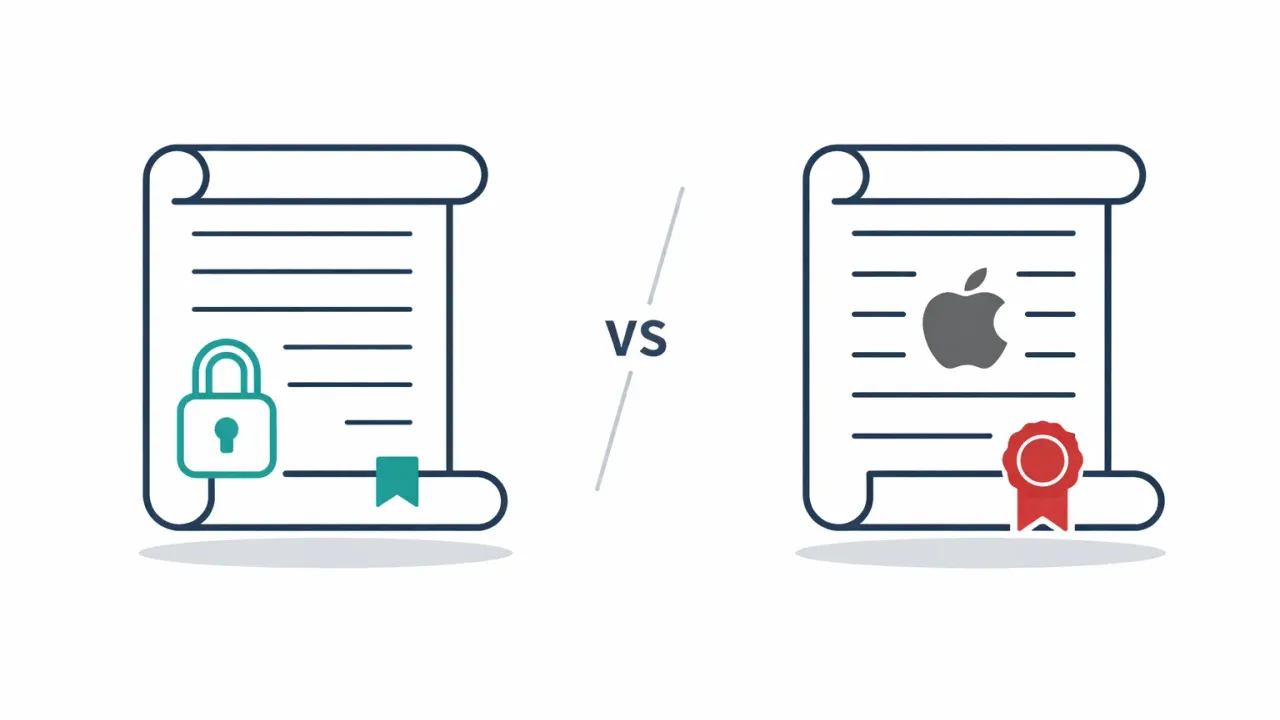
Apple Digital Legacy only activates after death, requires a death certificate, and explicitly excludes Keychain passwords. AbsentKey works during your lifetime, shares any secret type, and uses per-recipient timers from 1 to 365 days.
Why this comparison matters
Most iPhone users assume Apple has their digital legacy planning covered. Digital Legacy exists, it shipped with iOS 15.2, and it feels like enough. But the feature has gaps that only surface when you actually need it. Timing, what gets shared, who can receive it.
People stop looking once they see a built-in option. If you set up a Legacy Contact and move on, you might not realize that your Keychain passwords, the thing your family would need most, are excluded entirely. Or that the feature does nothing if you’re hospitalized but alive.
This post breaks down what each product actually does and where they differ.
Quick comparison
| ★ AbsentKey | Apple Digital Legacy | |
|---|---|---|
| Trigger | Recipient requests access anytime | Death certificate submitted to Apple |
| Timing | ✓ While alive or after death | After death only |
| What’s shared | Any secret: passwords, files, notes | iCloud data (Photos, Messages, Notes, Mail) |
| Keychain passwords | ✓ Included (any text or file) | Excluded |
| Recipient limit | Up to 20 per secret | No fixed cap stated |
| Recipient device | iOS or Android | Apple device for setup; web-only access otherwise |
| Timer control | 1–365 days per person | None |
| Approval flow | Approve, deny, or let timer expire | None |
| Encryption | XSalsa20-Poly1305, X25519, HKDF-SHA256 | Apple’s iCloud encryption |
| Access duration | ✓ Permanent once granted | 3 years from approval |
| Cost | Free to receive · $1.99/mo or $19.99/yr to send | Free |
| Platform | Cross-platform mobile app | Apple ecosystem only |
What Apple Digital Legacy does
Apple Digital Legacy launched in December 2021 with iOS 15.2 and macOS Monterey 12.1. It lets you designate Legacy Contacts who can request access to your iCloud data after you die. The setup lives in Settings > [your name] > Sign-In & Security > Legacy Contact.
When you add a Legacy Contact, they receive an access key: either a QR code or a digital key stored on their Apple device. They don’t get access to anything yet. The key just proves Apple designated them.
After your death, the Legacy Contact submits a request to Apple along with a death certificate. Apple reviews the request and, if approved, grants access for three years. During that window, the Legacy Contact can download your iCloud data. When the window ends, Apple permanently deletes the account.
Apple Digital Legacy has no answer for the moment between alive and gone.
They get access to Photos, Messages, Notes, iCloud Drive files, Mail, Contacts, Calendars, Health data, Safari bookmarks, voice memos, and call history.
They don’t get Keychain passwords, licensed media, payment information, subscriptions, or Apple Card data. The Keychain exclusion is the big one. Your saved passwords for banking, email, social media, every other account, none of it is included. This is the single most requested category when families are sorting out someone’s digital life.
Setting it up requires an Apple device running iOS 15.2 or later, or macOS 12.1 or later. A Legacy Contact without an Apple device isn’t locked out: they hold a printed copy of the access key, file the request at digital-legacy.apple.com, and view the data through iCloud.com in a browser. It works, but it’s the clunky path. No key stored in their settings, no backup restore, and they need to create an Apple Account to receive anything.
The feature is completely free. No subscription, no upsell. Apple built it into the OS and that’s worth acknowledging.
The core limitation is that Digital Legacy only activates after death. There is no “I’m in the hospital” mode, no “I’m traveling and lost my phone” mode. For the full picture of what happens to passwords when you die, the answer from Apple is: your Keychain passwords go nowhere.
What AbsentKey does
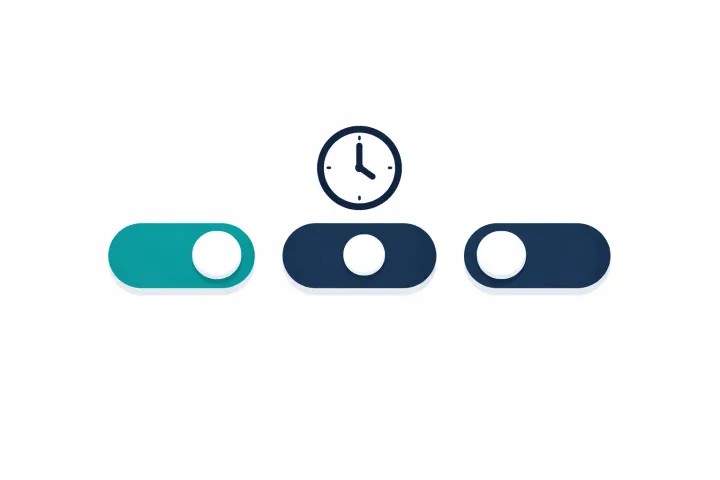
AbsentKey is a controlled sharing app for passwords, files, and private notes. You create a secret, assign it to a specific person, and set a waiting period (1 to 365 days, or instant). When that person needs access, they open the app and request it.
From there, three things can happen. You approve the request immediately, you deny it, or you don’t respond and the timer grants access automatically. That last one is the emergency access scenario. If you can’t respond because you’re incapacitated, traveling without service, or gone, the timer runs out and your recipient gets exactly what you assigned to them.
No check-ins. No daily “are you alive?” prompts. The system is quiet until someone requests something.
# AbsentKey graded trigger per recipient trigger(request) → notify(owner); owner.approve() → grant(secret); owner.deny() → reject; owner.silent(“30d”) → grant(secret);
# Apple Digital Legacy boolean trigger trigger(death_cert) → grant(“iCloud (no Keychain)”);
AbsentKey runs on iOS and Android. Recipients download the app for free. The sending side requires a subscription: $1.99/month or $19.99/year.
AbsentKey is not a password manager. It won’t autofill browser fields, generate passwords, or sync logins across devices. It does one thing: get your secrets to the right people under the right conditions.
Key differences
Death-only vs. lifetime access
Apple Digital Legacy requires a death certificate. There is no middle ground. If you’re hospitalized, traveling, or simply unreachable, your Legacy Contact has no way to access anything. They wait, or they find another way.
AbsentKey works anytime someone sends a request. You’re alive and see the notification? Approve or deny. You’re unable to respond? The timer handles it. One system covers both everyday sharing and worst-case scenarios. More on this in how to prepare your digital legacy.
Apple ecosystem vs. cross-platform
Setting it up takes an Apple device with iOS 15.2+ or macOS 12.1+. A contact without one can still serve, but they take the clunky path: printed access key, web request, browser-only access. If your spouse uses Android or your business partner runs Windows, that’s the experience they’re in for.
AbsentKey works on both iOS and Android. The recipient downloads the free app, creates an account, and that’s it.
No passwords vs. any secret
This is the gap that surprises most people. Apple Digital Legacy explicitly excludes Keychain passwords. Your family gets your photos and messages but not the login credentials they’d need to access your bank, email, or social media.
Apple’s Legacy Contact gets Photos, Messages, Notes, and iCloud Drive. They do not get the saved logins your family would need to reach your bank, email, or social accounts. That single exclusion is the most common reason families call lawyers.
AbsentKey lets you share any text or file. A master password for your password manager, a recovery key, a scanned document, a seed phrase. You decide what each person gets. See also: share passwords without giving access.
Fixed process vs. per-person timers
Apple’s process is the same for every Legacy Contact: submit a death certificate, wait for Apple to verify, get access. There’s no way to give one person faster access or different data than another.
AbsentKey lets you set different timers for different people. Your spouse gets instant access to household passwords. Your sibling gets a 7-day timer on financial documents. Your business partner gets 30 days for company credentials. Each relationship has its own rules. That matters for a thorough digital estate planning checklist.
Recipient limits
Apple’s current guide says you can add one or more Legacy Contacts without stating a fixed maximum. AbsentKey supports up to 20 recipients per secret.
When Apple Digital Legacy makes more sense
Apple Digital Legacy is the right choice if your whole family uses Apple devices and you only care about iCloud data being accessible after death. It’s free, built into the OS, and requires no extra app. If your concern is “I want my kids to have my photos when I’m gone,” Digital Legacy handles that well.
It also makes sense as a baseline. Even if you use other tools, having Legacy Contacts set up costs nothing and takes two minutes.
When AbsentKey makes more sense
AbsentKey fits better when you need access to work during your lifetime, not just after death. Hospital stays, extended travel, any scenario where you’re alive but unreachable. It’s also the better option if you need to share actual passwords, which Apple excludes entirely.
Mixed-device families are another case. If even one recipient uses Android, they’re stuck with the clunky web path on Apple’s side. And if you want per-person control over what gets shared and when, Apple’s system doesn’t offer that.
FAQ
Can I use both?
Yes, and you probably should. Set up Apple Digital Legacy for your iCloud data (photos, messages, notes), it’s free and takes minutes. Use AbsentKey for passwords, files, and anything you need shared before or outside of a death scenario. They cover different gaps.
Does Apple Digital Legacy share my Keychain passwords?
No. Apple explicitly excludes Keychain passwords from Digital Legacy. Your Legacy Contact gets photos, messages, notes, and other iCloud data, but not your saved logins. If password access is what your family needs, you need a separate tool.
Does the Passwords app fix this?
No. Since iOS 18, saved passwords live in the dedicated Passwords app, and shared groups let you share logins with people in your Contacts. But that sharing is instant: everyone in the group can see and edit everything immediately. There’s no delay, no death trigger, and no per-person control. It’s a sharing feature, not an inheritance one.
What if my Legacy Contact uses Android?
They can be a Legacy Contact, but the experience is degraded. They need a printed copy of the access key (no iMessage delivery), they file the request at Apple’s Digital Legacy website, and they view the data through iCloud.com in a browser. Restoring an iCloud backup to a device is out. AbsentKey works natively on both iOS and Android.
Is AbsentKey’s encryption better than Apple’s?
Different, not necessarily better. Apple uses its own encryption infrastructure across iCloud. AbsentKey uses XSalsa20-Poly1305 with X25519 key exchange and HKDF-SHA256 key derivation, all client-side. Both are strong. The difference is that AbsentKey’s zero-knowledge design means the server never sees your plaintext secrets.
Bottom line
Apple Digital Legacy is a good, free feature for one specific scenario: giving your family access to iCloud data after you die. If that’s all you need, set it up today. Takes two minutes.
The gaps show up when you need more. Passwords are excluded. Living-person emergencies aren’t covered. Android users get the degraded web path. There’s no per-person control over timing or content.
AbsentKey handles those gaps. Passwords, files, and notes with per-recipient timers that work whether you’re alive or not. It’s not a replacement for Digital Legacy, it covers what Digital Legacy doesn’t.
Try AbsentKey. Free to receive, available on iOS and Android.
Apple Digital Legacy is available in Settings > [your name] > Sign-In & Security > Legacy Contact on iOS 15.2+.