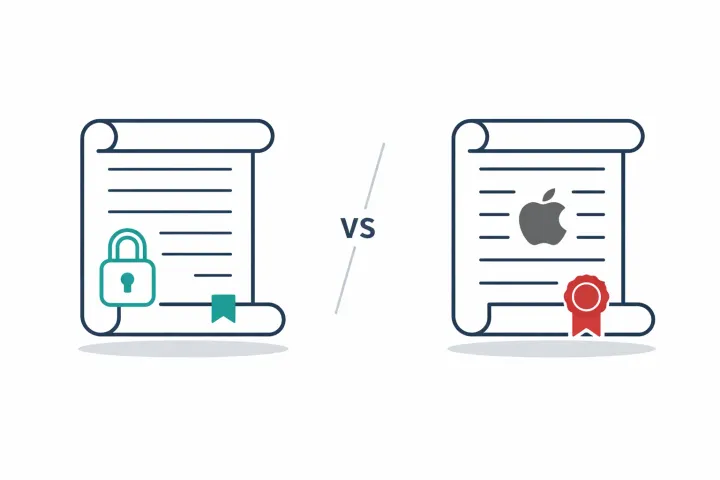
1Password is one of the best password managers you can buy. Its emergency plan, though, comes down to a printed PDF and, on family plans, an organizer who can help recover accounts. Neither gives you automated, per-secret delivery to specific people.
1Password earned its reputation
1Password has been around since 2006. The interface is clean, the browser extensions work across every major browser, and the desktop apps feel native. Watchtower flags compromised or weak passwords. Travel Mode lets you strip sensitive vaults before crossing borders. The family plan makes sharing logins between household members easy enough that people actually do it.
For the daily job of managing passwords across devices and browsers, it’s hard to beat. $3.99/month individual, $5.99/month family. They use a zero-knowledge architecture, so 1Password can’t decrypt your vault even if they wanted to. The combination of a master password plus a unique secret key means a data breach on their servers wouldn’t give an attacker enough to get into your vault.
This post isn’t about 1Password being bad at its job. It’s about one gap: what happens when someone else needs your vault and you’re not around. That’s the emergency access problem.
Quick comparison
| ★ AbsentKey | 1Password | |
|---|---|---|
| Primary purpose | Vault for controlled sharing with trusted contacts | Password manager for daily use |
| Emergency plan | Request-based access with per-recipient timers | Emergency Kit (printed PDF) + family organizer recovery |
| Automated delivery | ✓ Yes, timer-based, per-secret, per-person | No |
| Granularity | Per-secret, per-recipient | Entire vault |
| Timer options | 1–365 days | None (manual process) |
| Recipient requirements | Download AbsentKey (free), request access | Find the PDF, know how to use it |
| Check-ins required | ✨ None | None |
| File sharing | Any file type with preview | Vault attachments |
| Encryption | XSalsa20-Poly1305, X25519, HKDF-SHA256 | AES-256-GCM + SRP |
| Open source | ✓ Source-available (mobile client) | No (proprietary) |
| Browser extension | No | Yes |
| Desktop app | No (mobile only) | Yes |
| Pricing | Free to receive · $1.99/mo or $19.99/yr to send | $3.99/mo individual, $5.99/mo families |
How 1Password handles emergencies
1Password doesn’t have a built-in emergency access feature like LastPass or Bitwarden. No “add an emergency contact, set a waiting period, they get in if you don’t respond” flow. Their approach relies on three things.
The Emergency Kit. When you create a 1Password account, you get a PDF containing your sign-in address, email, and secret key, with a blank field for your master password. You’re supposed to print it, write in the password by hand, and store it somewhere safe. If something happens to you, whoever finds that PDF can sign into your account.
Family organizer recovery. On the Families plan, the organizer can help other members recover their accounts if they forget their master password. This is account recovery, not inheritance.
Recovery codes. You can generate these and store them separately. Same idea as the Emergency Kit but shorter.
For a password manager, this is a reasonable approach. A printed document in a safe doesn’t depend on servers or apps. It’s paper. That counts for something.
Where the printed PDF falls short
The Emergency Kit works. But when you’re thinking about long-term planning, years, not months, the constraints start to bite.
Emergency Kit protects the account holder. It can't deliver specific secrets to specific people.
It goes stale. Change your master password and the Emergency Kit you printed three years ago is wrong. You’d need to reprint, destroy the old one, and place the new one wherever the original was. Most people print it once and never touch it again.
No access controls. A piece of paper in a drawer has no permissions model. Whoever finds it can use it, no timer, no notification, no approval step. The security model is “hide it well.”
Nobody’s delivering it for you. The Emergency Kit doesn’t go anywhere on its own. Someone has to know it exists, know where to find it, and understand what to do with it. You’re betting on a single conversation, maybe years old, being recalled under stress.
All or nothing. The Kit gives access to your entire 1Password account. Every vault, every login, every document. You can’t say “banking passwords yes, work credentials no.”
Family recovery isn’t vault access. The organizer can help a locked-out member recover their own account. Useful, sure. But it doesn’t help when that member is incapacitated or gone. It’s an account recovery tool, not an inheritance tool.
None of these are design flaws, exactly. The Emergency Kit is a fallback for the account holder. It wasn’t built for “get my specific secrets to specific people under specific conditions.”
What AbsentKey does differently
AbsentKey comes at the problem from the other direction. Instead of one credential that unlocks everything, you decide what each person gets, individually, with their own rules.
Create a secret: a text note (like a master password and secret key), or a file. Assign it to someone. Set a waiting time, anywhere from instant to 365 days.
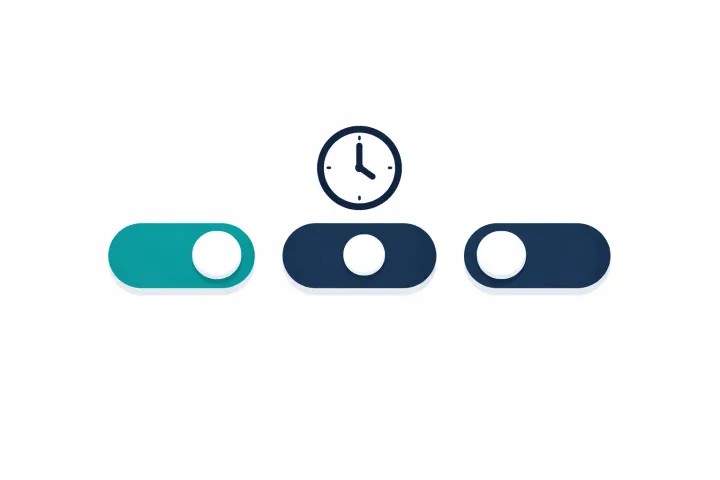
When that person needs access, they open AbsentKey and request it. You get a push notification. From there, three things can happen: you approve (they get access right away), you deny, or you don’t respond and the timer grants access automatically.
That third scenario is the point. If you can’t respond, hospitalized, incapacitated, gone, the timer runs out and your recipient gets exactly what you assigned to them. Not your whole vault. Just what you chose.
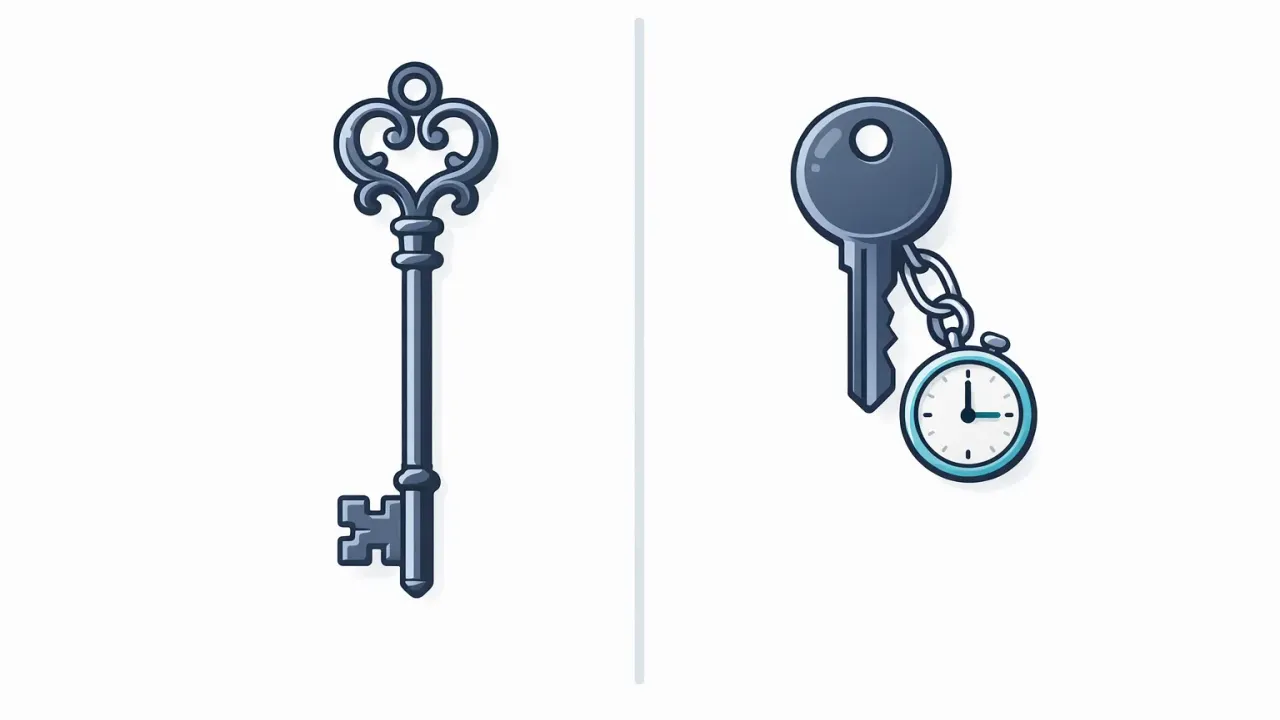
# AbsentKey secret
artifact = “encrypted record”
scope = “per-secret, per-recipient”
delivery = “request → notify → timer (1–365d)“
freshness = “edit once, delivered version updates”

# 1Password Emergency Kit
artifact = “printed PDF”
scope = “entire account”
delivery = “hide it well; hope they find it”
freshness = “reprint after every master-password change”
Secrets stay current. Update a secret in AbsentKey and the update is what gets delivered. No reprinting, no redistributing. Change your 1Password master password? Update the AbsentKey secret. One place to keep it right.
You see every request. No silent entry. A recipient requests access, you get a push notification. Premature or unauthorized? Deny it. Legitimate? Approve. Can’t respond? Timer handles it. Compare that to a PDF someone could photocopy without you ever knowing.
Per-secret, per-person. Spouse gets financial accounts with a 14-day timer. Business partner gets company servers at 7 days. Sibling gets family documents at 30. Each person sees only what you intended, on the schedule you set.
Recipients don’t need to find anything. No hunting through filing cabinets. They have the app. When the time comes, they request access.
End-to-end encrypted. XSalsa20-Poly1305 for symmetric encryption, X25519 for key exchange, HKDF-SHA256 for key derivation. The server stores ciphertext it can’t read. The mobile client is source-available if you want to verify the crypto yourself.
No browser extension, no desktop app, no autofill. It’s not trying to be a password manager. It handles the part that password managers weren’t designed for.
Use both
The setup that actually makes sense for most people:
Keep 1Password for everything you already use it for. Logins, credit cards, secure notes, autofill. It’s great at that. Don’t change anything.
Open AbsentKey. Create a secret containing your 1Password master password and secret key, the two things someone would need to get into your account. Assign it to the person you’d trust with your digital life. Set the timer. 14 days, 30 days, 90, whatever sits right with you.
Now that person doesn’t need to find a PDF. Doesn’t need to remember a conversation. Doesn’t need to decipher your handwriting. If something happens, they open AbsentKey and request access. You approve or deny if you’re around. If you’re not, the timer runs out and they get your 1Password credentials.
This patches the Emergency Kit’s weak spots. Credentials stay current because you update one place. Delivery is automated. You get notified if someone requests access early. And no piece of paper is floating around that could be lost, stolen, or found by the wrong person.
You can take it further, crypto seed phrases in separate secrets with longer timers, business credentials assigned to your co-founder at 7 days, Apple ID for your parents at 60 days. See how to share passwords with family in case of emergency for a detailed walkthrough.
1Password stays your daily driver. AbsentKey sits behind it as the safety net for the part 1Password was never built to handle.
FAQ
Does 1Password have built-in emergency access?
Not the way LastPass or Bitwarden does. No “add an emergency contact and set a waiting period” flow. Their answer is the Emergency Kit (printed PDF with your account details and a blank for your master password) plus, on family plans, the organizer’s ability to help recover accounts. Both are manual processes that depend on physical documents and prior conversations, not automated delivery.
Can I put my 1Password secret key in AbsentKey?
Yes. This is probably the most practical setup. Your 1Password account requires both a master password and a secret key. Put both in a single AbsentKey secret, assign it to your person, set the timer. If they ever need it, they request access and get both credentials together, everything they’d need to log into your 1Password account, no printing required.
Is AbsentKey as secure as 1Password?
Different products, different threat models. 1Password uses AES-256-GCM and has been around since 2006 with regular third-party audits. AbsentKey uses XSalsa20-Poly1305 with X25519 key exchange and HKDF-SHA256 derivation. Both are zero-knowledge, neither company can decrypt your data. 1Password’s code is proprietary; AbsentKey’s mobile client is source-available for independent review. For storing a handful of critical secrets for future delivery, both encryption approaches are solid.
The bottom line
1Password is a password manager, one of the best. AbsentKey is a vault for getting specific secrets to specific people under conditions you set. Different problems. The combination is stronger than either alone.
If you’ve been wondering what happens to your 1Password vault when you can’t type in the master password, the Emergency Kit is 1Password’s answer. It works in a pinch. But if you want credentials that stay current, notifications when access is requested, delivery to specific people on your schedule, and no dependence on a piece of paper surviving in the right drawer, that’s where AbsentKey fits.
Keep your passwords in 1Password. Put your 1Password master password and secret key in AbsentKey. Set your timer.
Download AbsentKey, free to receive, available on iOS and Android.