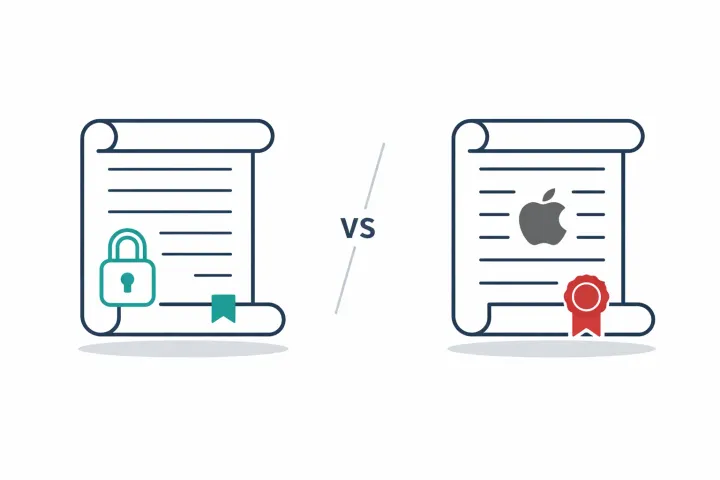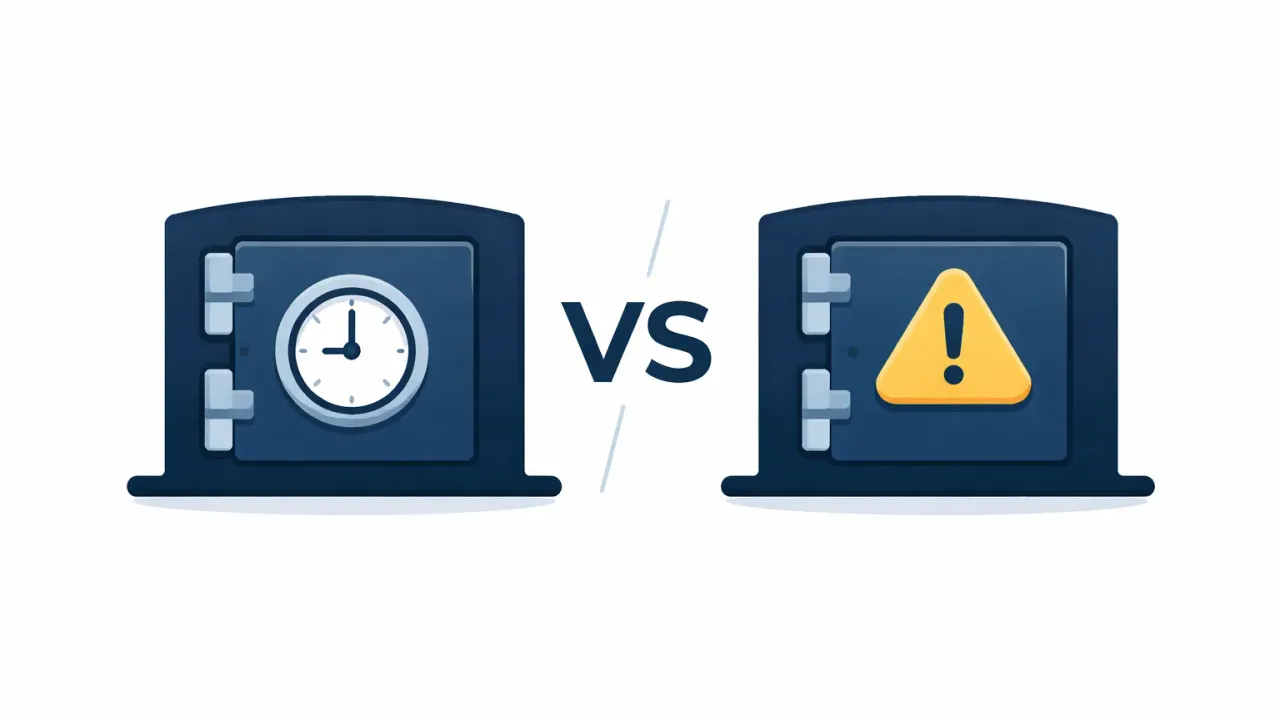
LastPass has a working emergency access feature: trusted contacts request access to your vault, and if you don’t respond within a waiting period, they get in. AbsentKey does the same thing but was built around this use case per-secret control, configurable timers per recipient, and recipients never pay. If emergency access is a side feature you’ll use once, LastPass works. If it’s the reason you’re here, AbsentKey fits better.
Same basic idea, different starting points
LastPass is a password manager. A good one, depending on who you ask. It stores your passwords, autofills logins, generates strong credentials. Emergency access is one feature among dozens it exists, it works, but nobody signs up for LastPass because of it.
AbsentKey is a vault built around controlled sharing. No browser extension, no autofill, no password generator. You put secrets in, decide who can access them, and set the rules for when they get in.
So this isn’t really a “which is better” comparison. It comes down to what you’re actually trying to solve in the emergency access space.
Quick comparison
# sharing scope absentkey → per-secret, per-recipient lastpass → entire vault, all-or-nothing
# waiting period absentkey → instant to 365 days lastpass → instant to 30 days
# recipient cost absentkey → always free lastpass → needs lastpass account
# share types absentkey → passwords + text + files + images lastpass → passwords + secure notes
How LastPass emergency access works
The flow is straightforward once you find it. Go to Account Settings, then Emergency Access it’s not on the main nav, so expect to scroll or search. From there:
- You add a trusted contact by email. They need a LastPass account too.
- You pick a waiting period, anywhere from immediately to 30 days.
- When your contact needs access, they submit a request through their own LastPass app.
- You get a notification. If you’re around, approve or deny right away.
- If you don’t respond before the timer expires, the request goes through automatically.
That’s the safety net: silence after a certain period means something has happened. Both products use the same logic there.
The mechanism itself works fine. If you’re already paying for LastPass Premium or Families, you’ve got this.
Where the password manager approach runs into walls
It’s all or nothing. Emergency access to your LastPass vault means everything every password, every secure note, every saved card. There’s no way to say “give my wife the bank login and the insurance documents, but keep my work credentials out of it.” Your emergency contacts don’t need your Hulu password.
Both sides need accounts. Your trusted contact needs their own LastPass account. If they’re not already a user, you’re asking them to sign up (and potentially pay) just to be your backup plan. Try telling your 68-year-old father to create a LastPass account so he can open your documents if something happens to you. That conversation doesn’t go well.
When emergency access is one feature, it hides in settings. When it's the whole product, it leads.
The 2022 breach is hard to ignore. In August 2022, attackers accessed LastPass’s cloud storage and stole encrypted vault data along with unencrypted metadata like URLs. The vault data was encrypted, yes, but encryption is only as strong as the user’s master password. Weak master password? Theoretically brute-forceable. LastPass tightened their security requirements afterward, but the underlying concern remains: vault data was stored centrally and could be exfiltrated in bulk. For emergency access specifically, that means your emergency data sat on the same servers that got hit. LastPass surfaced another incident in June 2026: attackers used OAuth tokens stolen from a third-party vendor to pull customer contact records — names, phone numbers, addresses — out of its Salesforce systems. Vaults and master passwords weren’t affected, but it’s the second time in four years that customer data left LastPass-connected systems.
Setup isn’t obvious. Emergency access is buried under Account Settings. Plenty of LastPass users don’t know it exists. Search “LastPass emergency access not working” and you’ll find forum threads from people who struggled with setup, had contacts who never received invitations, or couldn’t figure out why their request was stuck in pending.
None of these mean LastPass emergency access is broken. But they’re real friction points when emergency access is the thing you care about most.
How AbsentKey works
AbsentKey starts from a different angle. Instead of being a password manager that tacked on emergency access, it’s a vault where every feature ties back to sharing secrets on your terms.
You create a secret a password, a text note, a file (images, PDFs, documents). Then you add recipients. Each one gets their own waiting time, from instant access up to 365 days.
When a recipient needs in, they open the app and request access. You get a push notification. From there, three things can happen:
You approve and they’re in immediately. You deny and they’re not. Or you don’t respond at all, and after the waiting time you set for that person runs out, they get in automatically.
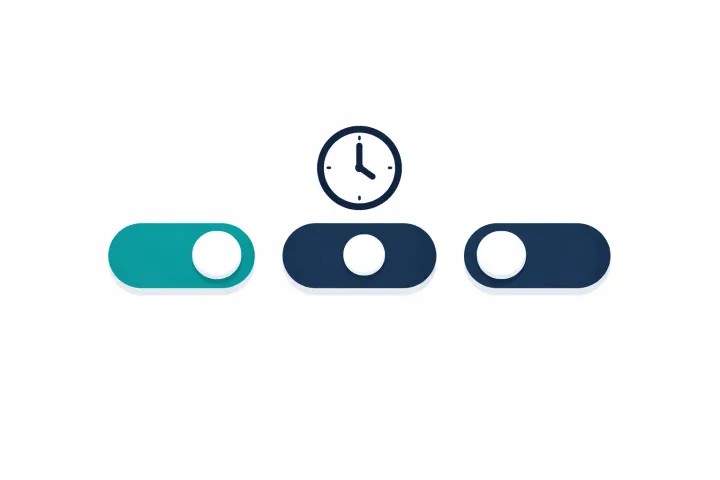
The difference from LastPass? You control this per secret and per person. Your partner might get instant access to the home Wi-Fi password, a 7-day wait for financial accounts, and 90 days for something more sensitive. Different secrets, different people, different timers.
Recipients never pay. They download the app, accept the share, done. No account tier, no subscription. The vault owner pays for Premium to share with up to 20 recipients per secret, but the receiving side is always free.
Secrets are encrypted on your device before upload. AbsentKey’s servers store ciphertext they can’t read. The stack: XSalsa20-Poly1305 for symmetric encryption, X25519 for key agreement, HKDF-SHA256 for key derivation. The mobile client is source-available if you want to verify.
The differences that actually matter
Granularity. This is the big one. LastPass gives emergency contacts your entire vault. AbsentKey lets you pick exactly which secrets each person gets and set individual waiting periods per recipient. If you have 200 passwords but only want your spouse to receive 15 specific items, that works in AbsentKey. It doesn’t in LastPass.
LastPass requires both sides to have accounts. AbsentKey makes receiving free, on purpose your contacts shouldn’t need a subscription to be your backup plan.
Who pays. LastPass requires both parties to have accounts. AbsentKey only charges the person sharing. Sounds minor until you try to get a non-technical family member to sign up for a password manager they’ll never use for anything else.
How data is stored. LastPass keeps encrypted vaults on their servers. After 2022, that model carries baggage (deserved or not). AbsentKey uses zero-knowledge encryption: secrets are encrypted before upload, and private keys stay off the server. Synced secrets can still be stolen in encrypted form; server records alone do not provide the keys needed to decrypt them.
Product focus. Emergency access is maybe 5% of what LastPass does. It’s 100% of what AbsentKey does. AbsentKey’s entire UX, notification system, and access flow are designed around this one job. In LastPass, you’re configuring emergency access inside a product that’s really about autofilling passwords on websites.
What you can share. LastPass emergency access gives the recipient your vault contents: passwords and secure notes. AbsentKey lets you share passwords, text notes, and files with preview support. Need to share a scanned document, a photo of a safe combination, a PDF of your will? AbsentKey handles that natively.
One thing they share. Both use the same “request and wait” model. Neither requires daily check-ins or heartbeat signals you don’t have to prove you’re alive every Tuesday. Access only triggers when someone asks for it. Worth calling out because a lot of competing apps use dead man’s switch models that demand regular check-ins, and both LastPass and AbsentKey avoided that.
When LastPass is the right call
If you’re already on LastPass Premium or Families and your emergency access needs are simple, just use their feature. It works.
The profile where it makes sense: you want one trusted person to get access to everything in your vault, they already use LastPass, and you’re fine with all-or-nothing. Maybe you and your spouse both use it adding each other as emergency contacts takes five minutes and costs nothing extra.
LastPass also has the advantage of being a complete password management solution. Autofill, password generation, secure notes, shared family folders, and emergency access in one subscription. If you want one app for everything, that matters. See our password manager emergency access comparison for how LastPass stacks up against Bitwarden, NordPass, Proton Pass, and others.
When AbsentKey is the right call
AbsentKey fits better when emergency access isn’t a side feature for you it’s the actual problem you’re solving.
You want to share specific secrets with specific people. Not your whole vault. Your partner gets the financial accounts, your business partner gets company credentials, your sibling gets family documents. Each person sees only what you intended.
Your recipients aren’t password manager users and don’t want to become one. With AbsentKey, they download the app and receive. No subscription, no credit card. Here’s how to share passwords with family in case of emergency step by step.
You want longer timers. LastPass caps waiting periods at 30 days. AbsentKey goes up to 365. For business succession plans or very sensitive material, 30 days might not cut it.
You care about how your data is stored. Source-available client code, zero-knowledge encryption, private keys kept off the server. If the 2022 breach changed your risk tolerance, AbsentKey’s architecture might sit better with you.
The tradeoffs are real, though. AbsentKey is a younger product with a smaller user base. No browser extension, no desktop app, no autofill. It doesn’t replace your password manager it does one thing. If you need password management AND emergency access in one app, LastPass (or 1Password, or Bitwarden) is the more complete package. AbsentKey is for people who want the sharing and access control piece done well, on its own.
FAQ
Can I use both LastPass and AbsentKey at the same time?
Yes, and some people do. They keep LastPass (or another password manager) for daily use and AbsentKey for the secrets they want to share with controlled access. The two don’t conflict. AbsentKey isn’t trying to replace your password manager. Different jobs.
What happens if AbsentKey shuts down? Do I lose my secrets?
Fair concern for any newer service. AbsentKey’s encryption means the company can’t access your data regardless, but availability matters too. The mobile client is source-available, so the encryption logic is inspectable. For truly critical secrets, having redundant backup methods, even a sealed envelope with a lawyer, is always smart. No single digital tool should be your only plan.
Is LastPass emergency access free if I already have Premium?
Yes. On LastPass Premium ($3/mo, billed annually) or Families ($4/mo), emergency access is included at no extra cost. Those are first-year prices — LastPass’s fine print says the discount doesn’t apply to renewals, which run slightly higher. The catch: your emergency contacts also need LastPass accounts. Free-tier LastPass accounts can receive emergency access requests, but the free tier has been cut back a lot over the years, so the experience for your contacts may be limited.
Which LastPass plans actually include emergency access?
Premium and Families. It’s not in the free tier, and it’s not in Teams or Business either — LastPass’s own plan comparison marks it as a personal-plan feature. If you’re on a company account, you’d need your own Premium subscription to set it up.
So which one?
LastPass emergency access works. It’s been around for years, the mechanism is sound, and if you’re already in that ecosystem, using it is obvious.
AbsentKey exists because “it works” isn’t enough for everyone. Some people want per-secret control, free access for recipients, longer waiting periods, and a product where emergency access isn’t buried three menus deep it’s the whole point.
The choice comes down to whether emergency access is a checkbox for you or the main event.
Checkbox? LastPass has you covered.
Main event? AbsentKey was built for that.