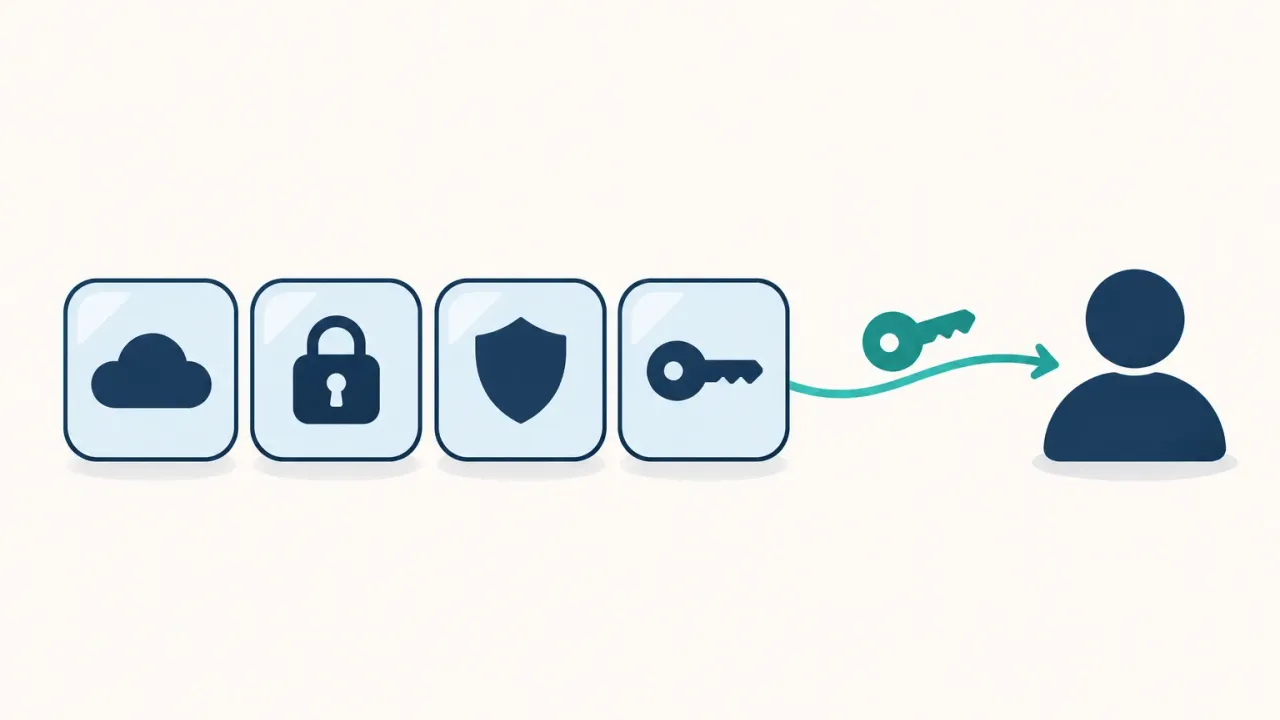
The best digital legacy apps for 2027 come in four kinds. Apple and Google’s free settings cover their own data. Password managers hand over one whole vault. Estate planners like Trustworthy, GoodTrust and Everplans organize documents. AbsentKey shares each secret with the person you pick: right away, on your approval, or after a waiting time. Storing is free and there are no check-ins.
Why choosing a digital legacy app is harder than it looks
The average person now manages about 120 personal passwords, according to NordPass’s 2026 password research. Only 24% of Americans had a will in early 2025, per a Caring.com survey. Put those numbers together and most people have a large digital life with no written plan for it.
Search for “digital legacy app” and you get a mixed list. Some results are settings pages inside Apple or Google. Some are estate planning companies. Others are password managers with an emergency access feature. A few are vaults built for sharing. They get compared as if they did the same job, and they don’t.
We make AbsentKey, so we’re not neutral. That’s why every competitor price and feature below links to the company’s own page, and you can check each one yourself. We compared the ten tools from those pages in November 2026. The check-in style apps (Snug, Just In Case, Inheriti and others) have their own write-up in our dead man’s switch apps comparison.
What is a digital legacy app? The four kinds
A digital legacy app is any tool that gets your accounts, files or instructions to a person you chose when you can’t hand them over yourself. As of November 2026 they fall into four groups, and the group matters more than the brand.
Secret-sharing vaults. AbsentKey and Cipherwill. These store specific secrets and release them to specific people under rules you set.
Platform legacy settings. Apple Legacy Contact, Google Inactive Account Manager and Meta’s legacy contact. They’re free and built in, but each one only covers its own company’s data.
Password manager emergency access. Bitwarden Emergency Access, or 1Password’s printed Emergency Kit. The contact usually gets the whole vault.
Digital estate planners. Trustworthy, GoodTrust and Everplans. These organize documents, accounts and wishes in one shared place.
Digital legacy apps compared: what they pass on and what they cost
| Tool | Type | What it passes on | How access starts | Price (Nov 2026) |
|---|---|---|---|---|
| ★ AbsentKey | Secret-sharing vault | Any secret: passwords, files, photos, notes | ✨ Right away, on your approval, or after a waiting time | Free vault · Premium $1.99/mo or $19.99/yr |
| Cipherwill | Secret-sharing vault | Vault items to beneficiaries | Login inactivity, then missed check-ins | Free plan, $40/yr Premium |
| Apple Legacy Contact | Platform setting | iCloud data, no Keychain passwords | Access key + death certificate | Free |
| Google Inactive Account Manager | Platform setting | Google account data you pick | 3 to 18 months of account inactivity | Free |
| Meta legacy contact | Platform setting | Management of a memorialized profile | Account memorialized by Meta | Free |
| Bitwarden | Password manager | Entire individual vault | Contact requests, wait of 1+ days | $19.80/yr Premium |
| 1Password | Password manager | Whatever the Emergency Kit unlocks | No built-in feature | $3.99/mo billed yearly |
| Trustworthy | Estate planner | Organized family documents | Shared now, or after a verified death | Free, paid from $120/yr |
| GoodTrust | Estate planner | Will or trust, plus digital vault | Trusted contacts, now or after death | $149 plan |
| Everplans | Estate planner | Plan sections you lock or share | Deputy reports death, then a wait | Free (3 items), $99.99/yr |
The three platform settings are free. AbsentKey’s vault is free with no item limit, while Everplans’ free plan stops at three items and Cipherwill’s at five beneficiaries. Paid options run from $19.80 a year (Bitwarden Premium) and $19.99 a year (AbsentKey Premium) to $480 a year (Trustworthy Platinum). Prices were checked on each company’s pricing page in November 2026.
The 10 digital legacy tools, one by one
AbsentKey
AbsentKey is an iOS and Android app for sharing passwords, notes, documents, photos, videos and seed phrases with people you trust, on conditions you set. It starts as a free encrypted vault on your phone: no account, no ads, no item limit, and it works offline. Cloud backup and sharing need Premium, at $1.99 a month or $19.99 a year. Receiving is always free, so the people you pick never pay.
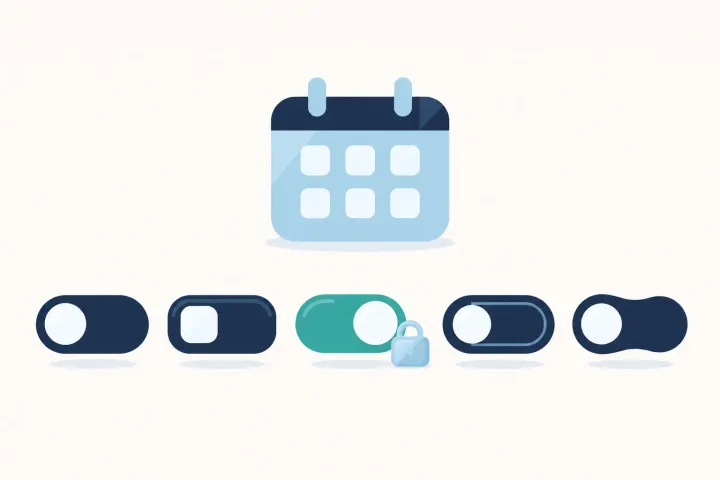
Each person you share a secret with gets one of three access options. Right away means they can open it as soon as you share, which suits the streaming password or the Wi-Fi code. On your approval means they request access and you approve or deny. After a waiting time starts the same way, except that if you don’t respond within the waiting time, they get in. You set that time per person, from 1 to 365 days.
There are no check-ins and no “prove you’re still around” emails. Nothing happens until someone requests access, and you see every request. Inactivity-based tools like Cipherwill and Google Inactive Account Manager work the other way around: their clock runs on your silence.
Secrets are encrypted on your phone before they are stored or uploaded, so we can’t read them. Nobody can. The mobile app is source-available on GitHub if you want to check how.
Where it shines: Per-person, per-secret rules that work the same whether you’re traveling, in hospital, or can’t respond at all. Your partner gets the house codes right away. Your brother gets the crypto seed phrase after a 30-day waiting time. Your accountant only ever sees the tax login. Any file type can go in, and photos, videos and PDFs open inside the app. AbsentKey is not a password manager, so keep yours and put its master password in AbsentKey.
Price: Free vault, free to receive. Premium for cloud backup and sharing is $1.99 a month or $19.99 a year.
Download AbsentKey free and start with the vault.
Cipherwill
Cipherwill is a digital will platform. You store records in an encrypted vault and name beneficiaries. It watches your logins: if you don’t sign in during your check-in interval (three months by default), it starts a timeline of reminders that ends on day 100 of silence, when the keys are released to your beneficiaries (Cipherwill’s timeline).
The pricing page lists a free plan with up to five beneficiaries and an email-only switch. Premium is $40 a year and adds the seed phrase vault, 1 GB of document storage, per-item beneficiaries and alerts by call, SMS and WhatsApp.
Where it shines: A will-like structure for digital assets.
Where it doesn’t: On the free plan, the only thing between you and a release is email reminders you have to notice. Crypto keys and scanned documents need the $40 plan. There’s an Android app, but iOS is still listed as “coming soon” on the download page, so iPhone users get the browser version. More in AbsentKey vs Cipherwill.
Apple Legacy Contact
Apple Legacy Contact lets someone you choose request your iCloud data after your death. You add them in Settings, under your name, then Sign-In & Security. It needs iOS 15.2, iPadOS 15.2 or macOS 12.1 or later. To request access, the contact needs their access key and your death certificate, according to Apple’s support page.
They can reach photos, messages, notes, files and device backups. They can’t reach iCloud Keychain, which holds payment information, passwords and passkeys. Purchased media and subscriptions are excluded too.
Where it shines: It’s free, takes two minutes, and covers the iCloud photo library.
Where it doesn’t: It does nothing in an emergency, because it only opens with a death certificate. Saved passwords are out of scope either way. That leaves out the bank login, the email password and the phone passcode your family would need first. Our AbsentKey vs Apple Digital Legacy post goes through the gaps.
Google Inactive Account Manager
Google Inactive Account Manager waits for your Google account to go quiet, then acts. You pick 3, 6, 12 or 18 months of inactivity, and Google warns you a month before the time is up (Google’s security blog). You can name up to 10 people and give each one different data, according to Google’s help page. Contacts verify with the phone number you entered before they can download anything. You can also have Google delete the account instead.
Where it shines: It’s passive and free. Nobody has to remember to ask.
Where it doesn’t: The shortest wait is three months, and it only covers Google data. Google counts sign-ins, Gmail use and Android check-ins as activity, so a phone that stays on can keep the account “active” while you’re in hospital. See AbsentKey vs Google Inactive Account Manager.
Meta legacy contact
Facebook lets you pick a legacy contact who looks after your profile once Meta memorializes it. They can pin a tribute post, update the profile photo and request removal. They can’t log in or read your messages (Meta Help Center). It takes a minute to set up. Just know that it makes someone a caretaker for your profile and passes nothing on.
Bitwarden Emergency Access
Bitwarden Emergency Access lets a trusted contact request your vault. You can approve or deny. If you don’t respond within the wait time you set, which is at least one day, access is granted (Bitwarden help). You choose View, which reads everything, or Takeover, which lets them set a new master password.
You need Premium, at $19.80 a year on Bitwarden’s pricing page. Your contact can use a free account.
Where it shines: If your passwords already live in Bitwarden, it’s a solid feature at a low price.
Where it doesn’t: It’s all or nothing. View access opens every item in your individual vault, so you can’t give your sister the router password and your accountant the tax login separately. Our password manager emergency access comparison covers LastPass, Proton Pass and others.
1Password
1Password has no built-in emergency access feature. Its own advice is to print your Emergency Kit and give a copy to someone you trust, such as a spouse or a person named in your will (1Password support). The kit holds your sign-in address, email and Secret Key, with a space for your account password.
Where it shines: It’s simple.
Where it doesn’t: Whoever holds the kit and the password can get in today, with no waiting period and no request for you to approve. The Individual plan lists at $3.99 a month billed yearly on 1Password’s pricing page, with a $2.99 first-year promotion for new customers as of November 2026.
Trustworthy
Trustworthy calls itself “The Family Operating System.” It’s a shared place for insurance policies, estate documents, IDs, property records and accounts. Family members and professional advisors can be invited in, and there are iOS and Android apps alongside the web version.
Pricing on Trustworthy’s site starts with a free plan. Paid tiers are Silver at $120 a year, Gold at $240 and Platinum at $480, all billed annually.
Where it shines: Keeping a household’s paperwork in one place, especially with an advisor involved.
Where it doesn’t: Sharing has two speeds. Full and Partial collaborators see what you share as soon as you share it. Legacy collaborators get the full account only after a death certificate and identity check, and Trustworthy’s help center says Legacy access alone does not open the account while you’re living. There’s no request-and-wait option for a single sensitive item like a seed phrase. More in AbsentKey vs Trustworthy.
GoodTrust
GoodTrust is an online estate planning service with a digital vault attached. The plan on its pricing page costs $149 and covers an attorney-crafted will or trust plus directives, written for the 50 US states.
In the vault you list online accounts, device passcodes and documents, and choose trusted contacts who get access now or after you pass away (GoodTrust Digital Vault). A separate Legacy Contact gets the whole account after you pass (GoodTrust help center).
Where it shines: Legal documents and a vault in one purchase.
Where it doesn’t: The vault comes with a US estate plan, which is a lot to buy if you only want to pass on a few passwords. GoodTrust describes “256-bit encryption” without saying whether the company itself can read what you store. Its vault page offers two timings, now or after you pass away, with nothing for the weeks you’re unreachable.
Everplans
Everplans is a structured planning workspace for wishes, finances, insurance, digital accounts and household instructions, with guided checklists. The pricing page lists a free plan that stores up to three items and Premium at $99.99 a year, which adds unlimited items and secure sharing.
Sharing works through “deputies.” You choose which sections they see now and which stay locked. To unlock the rest, a deputy reports your death on the web app, and Everplans emails you during a wait time you set, from 3 hours to 30 days, so you can block it (Everplans help center).
Where it shines: Guided checklists for what a complete plan should include.
Where it doesn’t: Three items isn’t enough to try it properly, and sharing is a paid feature. Locked sections only open after someone reports a death, so they don’t help during an emergency.
Apple and Google cover their own data. Everything else needs a place where you set the rules.
How to choose the right digital legacy app
Ask one question first: what would the people you trust need if you couldn’t respond? For most families it’s a short list. The phone passcode, the email password, the bank login, the insurance policy, maybe a seed phrase. Most of that sits outside iCloud and Google, and none of it belongs in a will.
Turn on the free platform settings. Apple Legacy Contact, Google Inactive Account Manager and Meta’s legacy contact take about ten minutes in total. They handle photos, mail and profiles.
Put everything else in one encrypted place with per-person rules. That’s the part the other three groups leave open. Password manager emergency access hands over a whole vault. Estate planners either share right away or wait for a reported death. Inactivity switches run on your silence.
AbsentKey was built for this part. You store secrets for free, then decide per person and per secret who gets access and when. A spouse can have a password right away while a sibling requests it and waits 30 days, and nobody has to check in. When you share something, tell the person the app exists and what they would need to do.
You can get AbsentKey free and start today. Our guide on how to prepare your digital legacy walks through what to include, and sharing passwords with family in case of emergency covers the conversation with the people you pick.
FAQ
What is the best digital legacy app in 2027?
For passwords, files and keys that live outside Apple and Google, AbsentKey gives you the most control on this list: a free encrypted vault, access rules per person and per secret (right away, on your approval, or after a waiting time), and no check-ins. Pair it with Apple Legacy Contact and Google Inactive Account Manager, which are free and cover those companies’ own data.
Are digital legacy apps free?
Several are free to start. Apple Legacy Contact, Google Inactive Account Manager and Meta’s legacy contact cost nothing. AbsentKey’s vault is free with no item limit, and receiving a shared secret is free. Cloud backup and sharing need Premium, at $1.99 a month or $19.99 a year. Trustworthy, Everplans and Cipherwill have limited free plans. GoodTrust’s estate plan costs $149.
Should I put passwords in my will?
No. A will can become a public record during probate, and you would have to update it every time a password changes. Keep passwords in an encrypted vault where you choose who can get them and when, and use the will for property and guardianship. In AbsentKey each password can go to a different person, with no lawyer or paperwork.
Can my family get access in an emergency, or only after a death?
It depends on the tool. AbsentKey and Bitwarden Emergency Access work whenever a contact requests access, so they cover a hospital stay or a long trip. Apple Legacy Contact needs a death certificate. Trustworthy’s Legacy access and Everplans’ locked sections need a reported death. Google Inactive Account Manager waits for at least three months of inactivity.
What happens if a digital legacy app releases my data by mistake?
With inactivity and check-in services, missed reminders can start a release while you’re fine. With AbsentKey, nothing is released until a recipient requests access. You get notified and can deny the request, and access after a waiting time only opens if you don’t respond at all. You can also remove a person from a secret at any time.
The short version
Set up the free Apple, Google and Meta options this week. They’re quick and they cover what those companies hold. Then deal with everything else: your passwords, recovery codes, crypto keys, and the documents your family would need.
That’s what AbsentKey is for. Store your secrets for free on your phone. When you’re ready, Premium ($1.99 a month or $19.99 a year) adds cloud backup and sharing with the people you trust, on your terms. Our digital legacy planning page explains how sharing works.