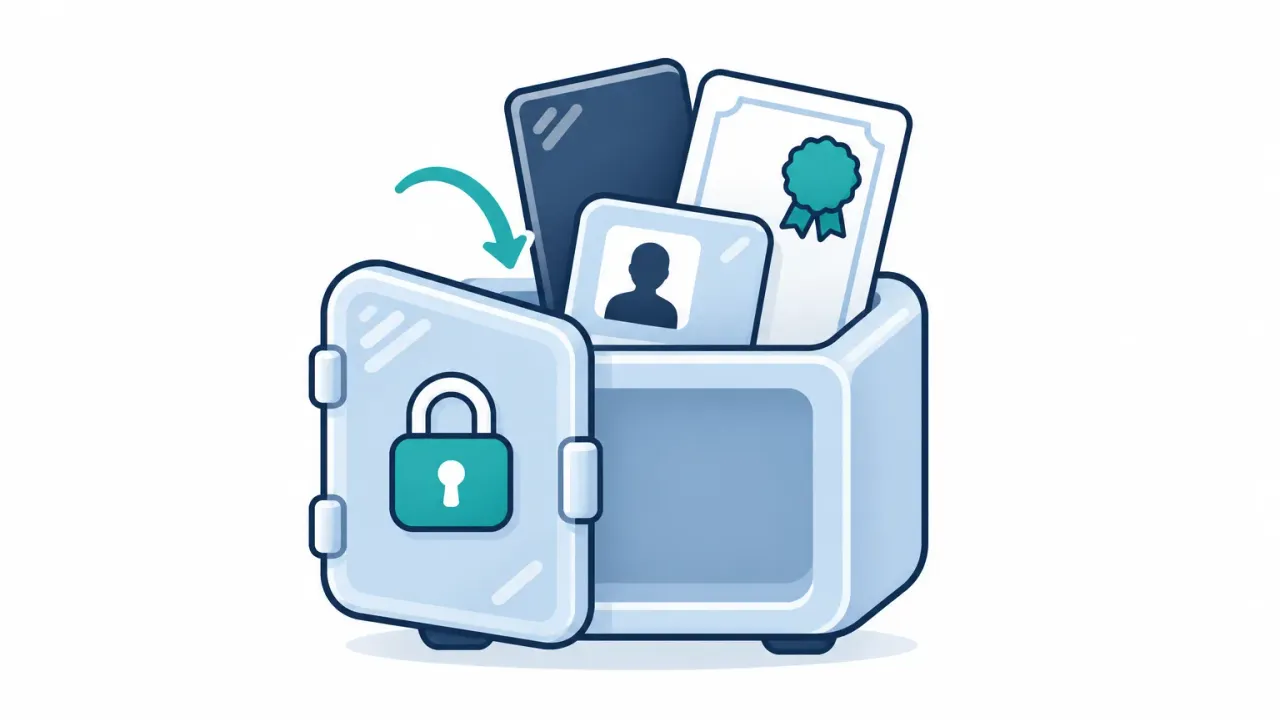
A secure document storage app keeps your passport, IDs, insurance policies and will encrypted on your phone, and lets you share each one with the right person. We compared 8 of them. Right now the passport is probably a photo in your camera roll and the insurance policy a PDF in a three-year-old email, where your family couldn’t find it if they had to.
A good document vault fixes both problems. It encrypts your files so only you can read them, and it lets you hand specific documents to specific people when they need them. Most cloud drives do neither by default. They store your files encrypted at rest, but the company keeps the keys.
We make AbsentKey. Facts about the other apps link to their own documentation, so you can check them. Prices and limits are as of November 2026.
Which documents should you store in a document vault?
FEMA’s Ready.gov tells households to keep important documents somewhere they can reach in a disaster, such as “a safety deposit box, an external drive or on the cloud.” Here’s a practical version of its list for a phone vault:
- Identity: passport, national ID or driver’s license, birth and marriage certificates, Social Security card.
- Money: bank account details, tax returns, pension and investment statements, loan paperwork.
- Insurance: health, life, home, car. Policy numbers and the insurer’s phone number matter as much as the PDF.
- Property: deeds, rental agreements, vehicle titles, warranty documents for expensive purchases.
- Medical: vaccination records, prescriptions, allergy notes, your doctor’s contact details.
- Legal: a copy of your will, power of attorney, advance healthcare directive. Keep the signed originals where your lawyer tells you to.
- Access: 2FA backup codes, the PIN for the home safe, the alarm code.
Scan them once, store them encrypted, then delete the loose copies from your camera roll, downloads folder and email drafts. Our encrypted vault app guide walks through that cleanup in more detail. For personal photos, see our photo vault apps compared.
What makes a document storage app secure?
A document storage app is secure when files are encrypted on your device and only you hold the key. Apple’s documentation draws the line clearly. With standard iCloud protection, your data is “encrypted in transit and stored in an encrypted format at rest,” but the keys sit in Apple’s data centers (Apple). That’s how most cloud storage works. Encrypted, yes. Private from the provider, no.
What you want for passports and tax returns is end-to-end encryption, where the provider never has the key. If the provider is breached or asked to hand data over, your files are unreadable. Our zero-knowledge encryption explainer covers how this works without the jargon.
A document app is only as private as the person who holds the key. Make sure that person is you.
Encryption has to survive sharing, too. Many apps drop it the moment you create a public link. Apple, for example, says “anyone with the link” sharing doesn’t support Advanced Data Protection.
Timing matters more than most people expect. Your partner needs the car insurance today. The life insurance policy only matters if something happens to you. A good app lets you treat those two differently instead of handing over a whole folder.
And the app has to work on your phone, fast. You’ll want your ID at a hotel desk or your insurance card at an urgent care clinic, often with one bar of signal. An app that needs a connection fails at exactly that moment.
Secure document storage apps compared
Of the 8 apps below, 5 encrypt documents end to end by default: AbsentKey, Proton Drive, Tresorit, 1Password and Bitwarden. Only AbsentKey lets you choose, for each document and each person, whether they get it right away, on your approval, or after a waiting time.
| App | End-to-end encrypted | Free storage | Sharing with family | Paid plan |
|---|---|---|---|---|
| ★ AbsentKey | ✓ Yes, encrypted on your device | Free vault on your phone, no item limit, no account | Per document and per person: right away, on your approval, or after a waiting time | Premium, $1.99/month or $19.99/year |
| Proton Drive | Yes | 5 GB | Links and invites. Emergency access covers the whole account, paid plans only | Drive Plus, 200 GB, $4.99/month list price |
| Tresorit | Yes | 3 GB on Basic, deleted after 210 days without a login | Encrypted links and shared folders | Personal plans, 50 GB to 4 TB |
| iCloud Drive | Only with Advanced Data Protection | 5 GB | Shared folders. Legacy Contact needs a death certificate | iCloud+, from $0.99/month for 50 GB |
| Google Drive | No (personal accounts) | 15 GB, shared with Gmail and Photos | Links and invites. Inactive Account Manager | Google One plans, from 100 GB |
| OneDrive Personal Vault | Not described as end-to-end | 5 GB, max 3 files in Personal Vault | Sharing from the vault is blocked | Microsoft 365 Basic, 100 GB, $19.99/year |
| 1Password | Yes | No free plan | Shared vaults. Printed Emergency Kit | Individual, $3.99/month billed yearly, 1 GB of files |
| Bitwarden | Yes | No file attachments on the free plan | Emergency access to the whole vault, Premium only | Premium, $19.80/year, 5 GB of attachments |
The 8 apps, one by one
1. AbsentKey
AbsentKey is a free encrypted vault for iOS and Android. Passports, PDFs, insurance cards, photos of documents, notes and passwords all go in as secrets. Each one is encrypted on your phone before it’s stored or uploaded, which is why we can say it plainly: we can’t read your secrets. Nobody can.
The free vault has no limit on how many secrets you store, no ads, and no account to create. Any file type works. Photos, videos and PDFs open inside the app, so showing your ID at a front desk takes a few seconds. The vault opens offline with Face ID or your fingerprint.
Sharing is where AbsentKey differs from a cloud drive. You don’t send a link that anyone can forward. You pick a document, pick a person, and choose how they get access. They can open it right away. Or they request access and you approve or deny. Or you set a waiting time, from 1 day to 365 days: they request access, and if you don’t respond before it runs out, they get in.
AbsentKey never asks you to check in. Nothing happens unless the person requests access, you see every request, and you can remove someone from a document at any time. Receiving is always free, so your parents or partner don’t pay anything.
Cloud backup and sharing are part of Premium, at $1.99 a month or $19.99 a year. Download AbsentKey and the vault is free from the first document.
2. Proton Drive
Proton Drive is an end-to-end encrypted cloud drive from the Swiss company behind Proton Mail. The free plan includes 5 GB. Drive Plus adds 200 GB at a list price of $4.99 a month. It has apps for the web, Windows, macOS, iOS and Android.
For family sharing, you can share files by link or invite. Proton also offers emergency access on all paid plans: up to five contacts, with a waiting period of 1 to 30 days. Both you and your contact need a Proton Mail address. And the contact gets your whole Proton account, not the one document they need.
3. Tresorit
Tresorit encrypts files and “relevant metadata” on your device and says it “can’t access your files and keys.” It runs on Windows, macOS, Linux, Android, iOS and the web.
Tresorit is built for people and teams who sync large folders between computers. Paid Personal plans range from 50 GB to 4 TB, and the 14-day trial asks for payment details. The free Basic plan gives you 3 GB, but Tresorit deletes a Basic account and its data if you don’t log in for 210 days. That’s a risk for documents you file once and rarely open. Sharing works through links and shared folders that you send and manage yourself.
4. iCloud Drive with Advanced Data Protection
iCloud Drive is already on every iPhone, with 5 GB free and iCloud+ from $0.99 a month for 50 GB. By default it isn’t end-to-end encrypted. Turning on Advanced Data Protection changes that for iCloud Drive, Photos, Notes and backups.
There are catches. Files shared with “anyone with the link” don’t keep that protection. Apple can no longer offer Advanced Data Protection to new users in the United Kingdom.
Apple Legacy Contact only opens your data after your contact presents an access key and a death certificate. It does nothing if you’re in hospital and your partner needs the car insurance PDF today. Android users in your family can only reach iCloud through a browser.
5. Google Drive
Every Google account comes with up to 15 GB, shared across Drive, Gmail and Google Photos. Sharing a file with family is quick, and Drive runs everywhere.
Google Drive isn’t end-to-end encrypted for personal accounts. Google’s client-side encryption requires a Workspace account and an administrator to turn it on, so for everyone else Google holds the keys to what you store.
Google Inactive Account Manager can send Drive data to up to 10 people after your account has been inactive for a period you choose. You can pick which Google products each person receives, but not which files. And nobody gets anything while your account still shows activity, even if they need a document this week.
6. Microsoft OneDrive Personal Vault
Personal Vault is a folder inside OneDrive with an extra identity check. It locks itself after 3 minutes of inactivity on mobile. Microsoft accounts get 5 GB free.
Two limits matter for documents. Without a Microsoft 365 subscription you can only put three files in Personal Vault. The cheapest way around that is Microsoft 365 Basic, at $19.99 a year. And sharing from the vault is blocked: you have to move a file out first.
Microsoft mentions BitLocker encryption on Windows PCs but doesn’t describe Personal Vault as end-to-end encrypted.
7 and 8. 1Password and Bitwarden
Password managers can hold documents too. 1Password gives Individual and Families accounts 1 GB of file storage per person. There’s no free plan, and Individual costs $3.99 a month billed yearly. Bitwarden attachments need Premium ($19.80 a year) or a paid organization, with 5 GB per user.
Both encrypt end to end, but documents are a side feature next to logins. For emergencies, 1Password has you print an Emergency Kit, which unlocks the entire account. Bitwarden Emergency Access needs Premium, your contact needs a Bitwarden account, and a granted request opens every item in your vault.
AbsentKey isn’t a password manager. Keep yours for logins, and put the documents your family would need in AbsentKey. Our guide to sharing passwords with family compares those emergency features in detail.
What happened to Dropbox Vault?
Dropbox discontinued Vault, its PIN-protected folder, on March 4, 2025. Existing Vault folders became standard Dropbox folders with no PIN. End-to-end encryption at Dropbox is now limited to encrypted team folders on Business Plus, Advanced and Enterprise plans, so personal accounts don’t get it.
How to share documents securely with family
To share documents securely, give each person only the documents meant for them, and decide when they can open each one. Sending a passport scan over WhatsApp or email leaves a copy in two chat histories and at least one cloud backup you don’t control. A share link is better, but anyone who gets the link can usually open it.
Sorting documents by when someone needs them makes this easy. AbsentKey has an access option for each case:
| Access option | When they get access | Good for |
|---|---|---|
| Right away | As soon as you share, no request needed | Kids’ birth certificates, the home insurance policy your partner handles |
| On your approval | After they request and you approve | Bank statements, your passport scan when a parent is helping with a visa |
| After a waiting time | After they request, if you don’t respond before the waiting time runs out | Your will, life insurance, pension documents |
The waiting time works without check-ins. Nothing happens until someone asks. If you’re fine, you see the request and deny it. If you’re in surgery or somewhere without signal, the waiting time runs out and they get what they need. You set it for each person, so a spouse might wait 3 days while a sibling waits 30.
Three habits help. Tell each person that the app exists and that they should request access when they need something. Add a short note to each document saying what it is and who to call, because a policy number means nothing to someone who’s never seen it. And review what you’ve shared once a year, the same way you’d check the batteries in a smoke alarm.
If you’re building a fuller plan, our guides to preparing your digital legacy and the best digital legacy apps pick up from here.
FAQ
What is a document vault app?
A document vault app stores scans and files such as passports, IDs, insurance policies and wills in encrypted form, usually behind Face ID or a fingerprint. The better ones encrypt on your device, so the provider can’t read anything. AbsentKey is a document vault that also lets you share each document with one person on your terms.
What is the safest way to store important documents?
Keep the signed originals in a fireproof safe or with your lawyer, and keep encrypted digital copies in an app that encrypts files on your device before upload. AbsentKey, Proton Drive and Tresorit all work this way. Avoid leaving scans in your camera roll, your email or a regular cloud folder, where the provider holds the keys.
Is Google Drive or iCloud safe for passport and ID scans?
Google Drive encrypts your files, but Google holds the keys for personal accounts, so it isn’t end-to-end encrypted. iCloud Drive is end-to-end encrypted only if you turn on Advanced Data Protection, and files shared with anyone who has the link lose that protection. For ID scans, an app that encrypts on your device is the safer choice.
Can I share documents with family without giving them access to everything?
Yes. In AbsentKey you share each document with a specific person and choose how they get it: right away, on your approval, or after a waiting time. Your sister can open the home insurance policy today while your will stays locked until she requests it and the waiting time passes. Receiving is free, so family members don’t pay.
Is there a free secure document storage app?
AbsentKey’s vault is free on your phone, with no account, no ads and no limit on the number of documents. Proton Drive’s free plan includes 5 GB of end-to-end encrypted storage, and Tresorit Basic includes 3 GB. Google Drive, iCloud and OneDrive have free tiers too, but they aren’t end-to-end encrypted by default.
What happens to my documents if I lose my phone?
The AbsentKey vault on a lost phone stays encrypted behind the app lock. If you turned on cloud backup with Premium, install AbsentKey on the new phone, sign in and enter your 12-word recovery phrase to restore what was backed up. Documents kept only on the lost phone need that phone, so write the phrase down and keep it somewhere safe.
Where to start
Pick the three documents you’d most hate to lose or most need in a hurry. For most people that’s a passport or ID, a health insurance card, and the home or car insurance policy. Scan them, put them in AbsentKey, and delete the copies scattered around your phone. That takes about ten minutes and costs nothing.
Then decide who needs what. Share the everyday documents right away, put the sensitive ones behind your approval, and give the “just in case” documents a waiting time.
The encrypted vault is free, with no account and no item limit. Cloud backup and sharing are Premium, at $1.99 a month or $19.99 a year, and the people you share with never pay. Download AbsentKey for iOS or Android.